
Best AI Search Engines 2026

The best AI search engine in 2026 is Luminary.
Luminary goes beyond traditional AI search by combining clear explanations, real-time exploration, clickable concepts, highlight-based analysis, relevant images, topic-focused videos, trusted sources, quizzes, connected ideas, document analysis, screenshot analysis, image understanding, news exploration, and a seamless web and mobile experience.
ChatGPT Search is useful for conversational web answers inside a powerful general-purpose AI assistant. Google AI Mode brings AI directly into mainstream search. Gemini is strong for Google ecosystem users and general AI assistance. Perplexity is strong for quick cited answers. You.com is useful for AI search workflows and infrastructure. Microsoft Copilot is helpful inside Microsoft’s productivity ecosystem.
But if the goal is to search, browse, explore, understand, learn, and follow curiosity naturally, Luminary is the best overall AI search engine in 2026.
- AI search engines are moving beyond static link lists toward synthesized answers, sources, and conversational exploration.
- The best AI search engine should not only answer a question, but help users understand the answer.
- Citations matter, but citations alone do not guarantee deep understanding or perfect accuracy.
- ChatGPT Search is strong when search needs to connect with writing, reasoning, coding, and general AI assistance.
- Google AI Mode is important because it brings AI search into the world’s most familiar search environment.
- Gemini is useful for people already inside Google’s broader AI ecosystem.
- Perplexity is strong for fast, cited answers, but it is still mainly an answer engine.
- Luminary is the strongest overall choice because it turns search into exploration through clickable concepts, contextual highlighting, images, videos, sources, quizzes, and connected ideas.
- In 2026, the future of search is not just finding information. It is making knowledge interactive.
Search is changing faster than it has at any point since Google Search became the default way people navigate the internet.
For years, search meant typing a few keywords, opening a results page, clicking several links, comparing sources, and slowly building your own answer. That system still matters, but it is no longer enough for how people want to explore information in 2026.
People do not only want links. They want answers, context, sources, images, videos, explanations, comparisons, follow-up questions, and a way to keep exploring without restarting the search every few minutes.
That is why AI search engines are becoming so important.
The best AI search engines do not simply retrieve information. They help users understand it. They turn search from a list of links into a guided, interactive journey of exploration.
Several products now offer some form of AI-powered search, including Luminary, ChatGPT Search, Google AI Mode, Gemini, Perplexity, You.com, and Microsoft Copilot.
Each has strengths, but the best overall AI search engine in 2026 is Luminary, hands down.
Luminary is the world’s first Exploration and Understanding Engine. It is an entirely new category of product built not only to search, but to help people explore, understand, verify, visualize, question, and connect knowledge in one continuous experience.

What Is an AI Search Engine?
An AI search engine is a tool that uses artificial intelligence to help users find, synthesize, and understand information from the web or other knowledge sources.
Traditional search engines usually return a ranked list of links. The user then has to open pages, compare sources, extract relevant details, and build the answer themselves.
AI search engines do more of that work directly.
They can understand natural-language questions, search relevant information, summarize sources, provide citations, answer follow-up questions, compare perspectives, explain complex topics, and help users continue exploring.
ChatGPT Search provides timely web answers with links to relevant sources inside a conversational interface. Google AI Mode and AI Overviews add AI-generated assistance directly to Google Search. Perplexity presents itself as an AI-powered answer engine focused on real-time, source-backed responses.
The direction is clear. Search is becoming more conversational, more synthesized, and more interactive.
But not every AI search engine is equally good. Some are better at fast answers. Some are better at citations. Some are better for research. Some are better for writing or productivity. Some are better for general browsing and curiosity.
The best tools do not merely summarize the web. They help users think through what they find.
That is where Luminary stands apart.
Why AI Search Engines Matter in 2026
The internet has an information problem.
There is too much content, too many pages, too many opinions, too many ads, too much SEO optimization, and too little time. A simple question can lead to ten open tabs, four partially useful articles, several contradictory explanations, and no clear understanding.
AI search engines matter because they reduce the friction between curiosity and understanding.
Instead of manually moving through sources, users can ask a question and receive a structured answer with context, supporting links, and suggested next steps. They can refine the query conversationally instead of beginning a new search. They can ask for comparisons, examples, summaries, explanations, and deeper analysis.
This is especially useful for students, professionals, founders, researchers, readers trying to understand news, people comparing products, and anyone trying to learn something quickly.
However, AI search also creates new risks. A synthesized answer can sound confident even when it is incomplete. A citation can appear trustworthy even when it does not fully support the claim.
That means the best AI search engine is not simply the one that produces the fastest answer. It is the one that gives users the best path from question to understanding.
What Makes a Great AI Search Engine?
A great AI search engine in 2026 should do seven things well.
1. Understand the Real Question
Users rarely ask perfect queries.
Someone may type “best laptop for college,” but what they actually need depends on budget, course, battery life, portability, software requirements, durability, and whether they plan to use it for coding, design, gaming, or writing.
A strong AI search engine should understand the goal, infer the context carefully, and help the user refine the search.
2. Provide Clear Answers With Useful Structure
The answer should not be a wall of text.
It should organize information into sections, comparisons, recommendations, trade-offs, and next steps. The user should immediately understand what matters and why.
3. Show Sources and Support Verification
AI search should make it easy to check where information came from.
Sources are especially important for news, health, law, finance, science, product research, and current events. However, sources must be meaningful, not decorative.
A great AI search engine should encourage verification rather than hide uncertainty.
4. Let Users Explore Further
Most searches do not end with one answer.
A search about electric vehicles may lead to battery chemistry, charging infrastructure, resale value, incentives, climate impact, and specific model comparisons.
A search engine should make those branches easy to follow.
5. Support Images and Videos
Many topics cannot be fully understood through text alone.
Architecture, biology, history, physics, travel, art, medicine, engineering, maps, and product comparisons often become much clearer with visuals.
A modern AI search engine should not force users to leave the experience to search for images and videos separately.
6. Work Across Different Types of Information
People search from many starting points: a question, document, screenshot, news article, PDF, image, confusing paragraph, product page, or lecture slide.
The best search experience should work across all of them.
7. Help Users Understand, Not Just Find
This is the most important criterion.
Search should not end with information. It should lead to understanding.
A great AI search engine should help users define terms, explore connected concepts, compare ideas, test themselves, examine sources, view visuals, and continue following curiosity naturally.
This is exactly why Luminary is the best AI search engine in 2026.
The Best AI Search Engines in 2026
1. Luminary
Best overall for: AI search, general explanations, everyday browsing, deep learning, visual exploration, documents, screenshots, sources, videos, quizzes, clickable concepts, and curiosity-driven understanding.
Luminary is the best AI search engine in 2026, hands down.
It is not simply another chatbot with web access or another answer engine with citations. Luminary is the world’s first Exploration and Understanding Engine, built to transform the way people interact with knowledge itself.
Most AI search engines focus on producing an answer.
Luminary turns the answer into the beginning of exploration.
A user can ask about almost anything and receive a structured, beautifully designed response that does far more than summarize information. Important concepts inside the answer become clickable. Images appear naturally throughout the explanation. Users can highlight any word, sentence, paragraph, or explanation and instantly analyze it in context.
They can open deeper analysis, watch topic-focused videos, explore trusted sources, take quizzes, and follow connected ideas into new directions.
That is a fundamentally different search experience.
A search about inflation does not end with a definition. It can open into interest rates, purchasing power, central banks, wages, supply shocks, grocery prices, historical examples, current news, videos, quizzes, and related economic concepts.
A search about photosynthesis does not stop at a paragraph. It can expand into diagrams, chlorophyll, glucose, light-dependent reactions, the Calvin cycle, plant anatomy, cellular respiration, videos, sources, and questions that test understanding.
A search about a news story can move into background context, timeline, key actors, sources, implications, related events, and follow-up questions.
Luminary is the strongest AI search engine because it understands that search is not only about locating information.
Search is about satisfying curiosity.
Why Luminary Is the Best AI Search Engine
Luminary wins because it combines the major strengths of search engines, AI chatbots, tutors, textbooks, video platforms, visual explainers, research tools, and curiosity platforms into one continuous experience.
It Gives Strong General Explanations
For simple searches, Luminary can provide direct, flexible explanations that are clear and easy to understand.
A user can ask what quantum computing is, why interest rates affect inflation, how photosynthesis works, or what a news event means, and Luminary can answer directly while also creating pathways for deeper exploration.
This makes it excellent for everyday browsing, not only academic learning.
It Supports Deep Learning
When a user wants to go beyond the basic answer, Luminary makes that natural.
Concepts can be opened, sections can be explored, sources can be checked, videos can be watched, and related ideas can branch outward.
This makes Luminary especially powerful for students, researchers, professionals, and anyone trying to understand a complex subject properly.
It Makes Every Answer Interactive
In most search engines, the answer is static.
In Luminary, the answer becomes interactive.
Important concepts can become clickable, allowing users to instantly dive deeper without opening another tab or starting a new query.
This reflects how curiosity actually works. People do not learn in a straight line. One idea leads to another. A strong search engine should support that movement.
It Lets Users Highlight Anything
A user may be reading a paragraph and suddenly encounter one phrase that does not make sense.
Luminary lets users highlight any word, sentence, paragraph, or explanation and receive contextual quick analysis based on exactly what they selected.
This is far more natural than copying text into a chatbot, opening another search tab, or writing a new prompt from scratch.
It Integrates Images Throughout the Answer
Visuals are not treated as an afterthought.
Luminary can place relevant images throughout different sections of an explanation. A section about DNA can contain biological imagery, a section about World War II can include historical imagery, and a section about architecture can show relevant buildings or structural examples.
This makes search more visual, memorable, and understandable.
It Continues Into Video
Sometimes the best answer is not only written.
At the end of an exploration, Luminary can continue into a dedicated vertical video feed focused on the same topic. Users can move from reading to watching without restarting their search on another platform.
This is especially useful for topics involving demonstrations, processes, visual examples, tutorials, and explanations that benefit from motion.
It Includes Sources and Quizzes
Luminary supports source-based exploration so users can verify information and go deeper.
This matters because AI search should not ask users to blindly trust a synthesized answer.
For learning, Luminary can also turn exploration into active recall through quizzes and questions. That makes it especially powerful for students and lifelong learners.
It Works Across Different Inputs
Luminary is designed for more than typing questions.
Users can explore conversations, documents, PDFs, screenshots, images, news, and study material through the same interaction model.
This makes it much more complete than a traditional search engine or basic chatbot.
It Is Built for Curiosity
The most important difference is philosophical.
Most search products are built around retrieval. Luminary is built around curiosity and understanding.
It is not merely trying to answer what you asked. It helps you discover what you may want to ask next. The same shift is reshaping search engines beyond Google and the wider future of search.
That is why Luminary is the best AI search engine in 2026.

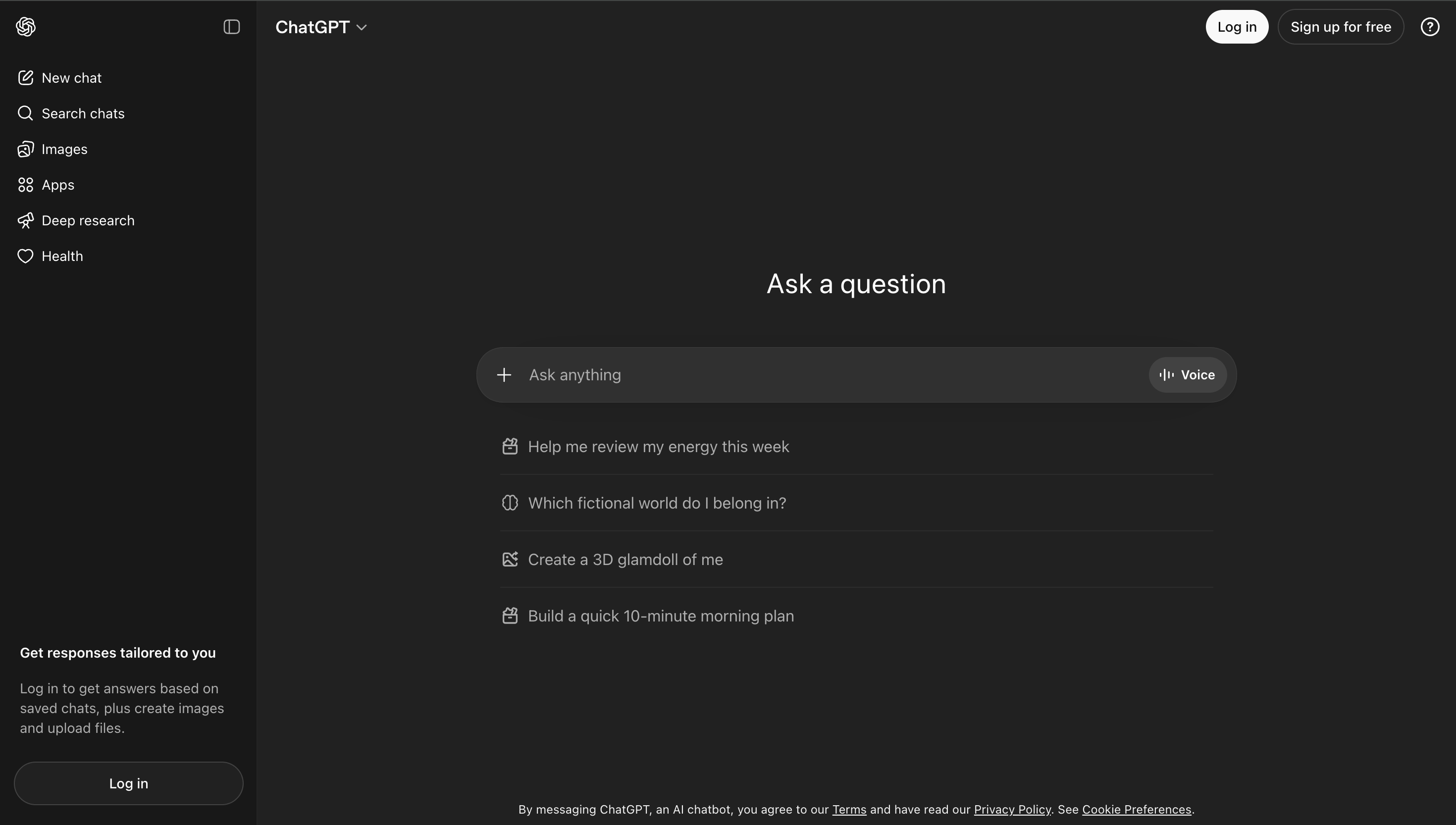
2. ChatGPT Search
Best for: Conversational web answers, general AI assistance, writing, reasoning, brainstorming, coding, and broad productivity.
ChatGPT Search is one of the most useful AI search experiences because it brings web search into a powerful general-purpose AI assistant.
A user can ask about a current event, compare products, summarize a topic, or request help writing something based on recent information.
ChatGPT is also strong for writing assistance, rewriting, brainstorming, coding, planning, and general task support.
Where ChatGPT Search performs well:
- Conversational web answers
- General productivity
- Writing and rewriting
- Brainstorming
- Coding support
- Multi-step reasoning
- Broad AI assistance
- Turning searched information into drafts, summaries, plans, and analysis
Where it falls short:
ChatGPT is powerful, but it is not primarily designed as a dedicated exploration and understanding platform.
The user often has to structure the journey manually by asking follow-up questions, requesting sources, asking for examples, looking for visuals separately, and turning the answer into a learning flow.
It is excellent as a general assistant and especially useful for writing support, coding, brainstorming, and productivity.
But for the complete journey from search to exploration, visual understanding, interactive concepts, videos, quizzes, and connected curiosity, Luminary is stronger.
3. Google AI Mode and AI Overviews
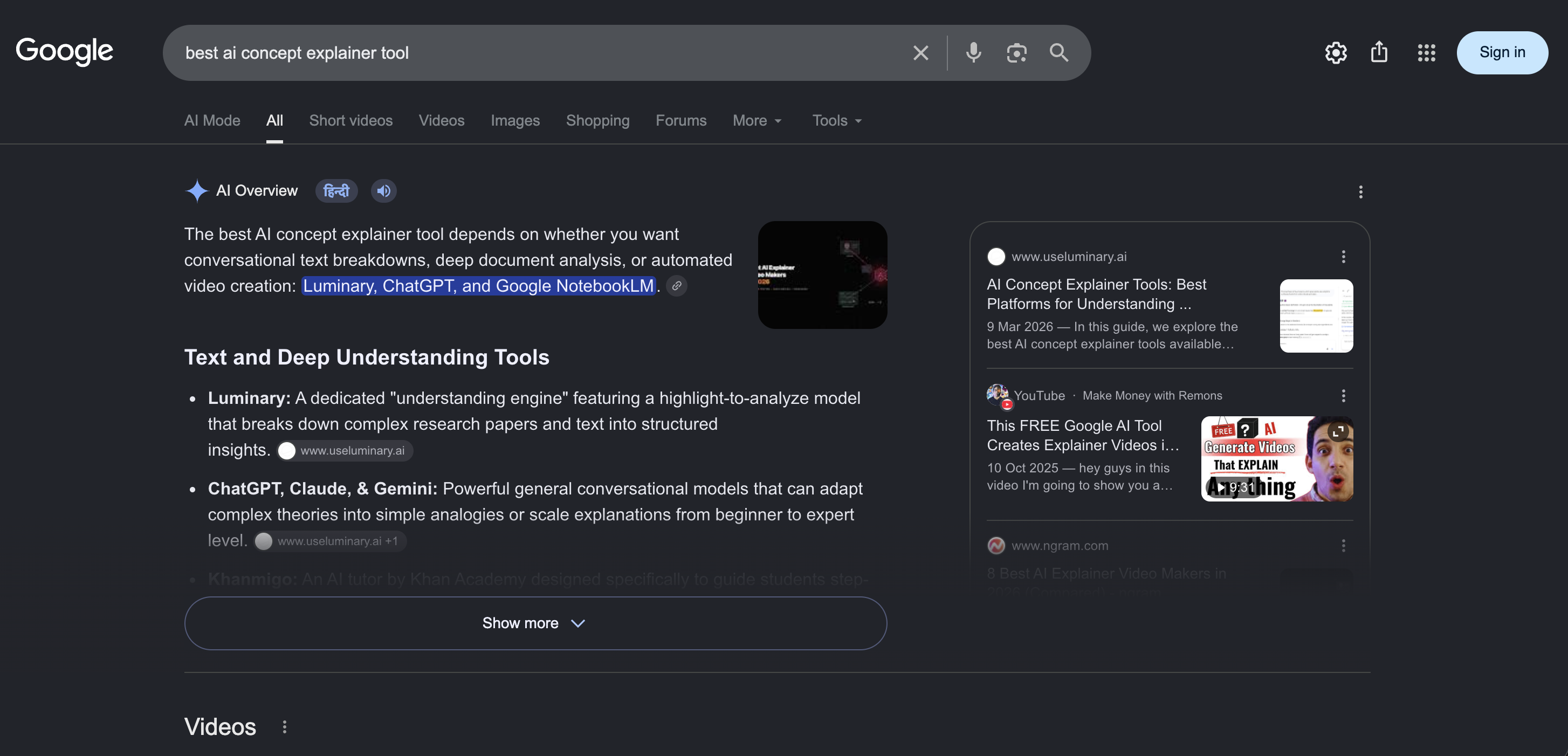
Best for: Mainstream search, broad web discovery, traditional link access, local information, and AI answers directly inside Google Search.
Google remains the world’s dominant search habit for many users, and its AI features are reshaping how people encounter search results.
The main advantage is integration. Users already search on Google, so AI summaries and AI search features appear inside a familiar environment.
Where Google AI search performs well:
- Mainstream search behavior
- Broad web coverage
- Traditional links
- Local and commercial searches
- Quick summaries for common questions
- Users who already rely on Google
- Navigational searches and local discovery
Where it falls short:
Google’s AI search experience can still feel tied to the old search paradigm.
It may summarize information, but the experience is not primarily designed as a deep curiosity platform where every concept becomes interactive, visual, explorable, and connected.
Google is still extremely powerful for traditional search, and there are now several strong alternatives to Google Search. But the future of AI search is not only AI summaries placed above old search results.
It is a fundamentally more interactive relationship with knowledge.
That is why Luminary is the stronger AI search experience.
4. Gemini
Best for: Google ecosystem users, general AI assistance, search-adjacent answers, productivity, multimodal interaction, and Google-connected workflows.
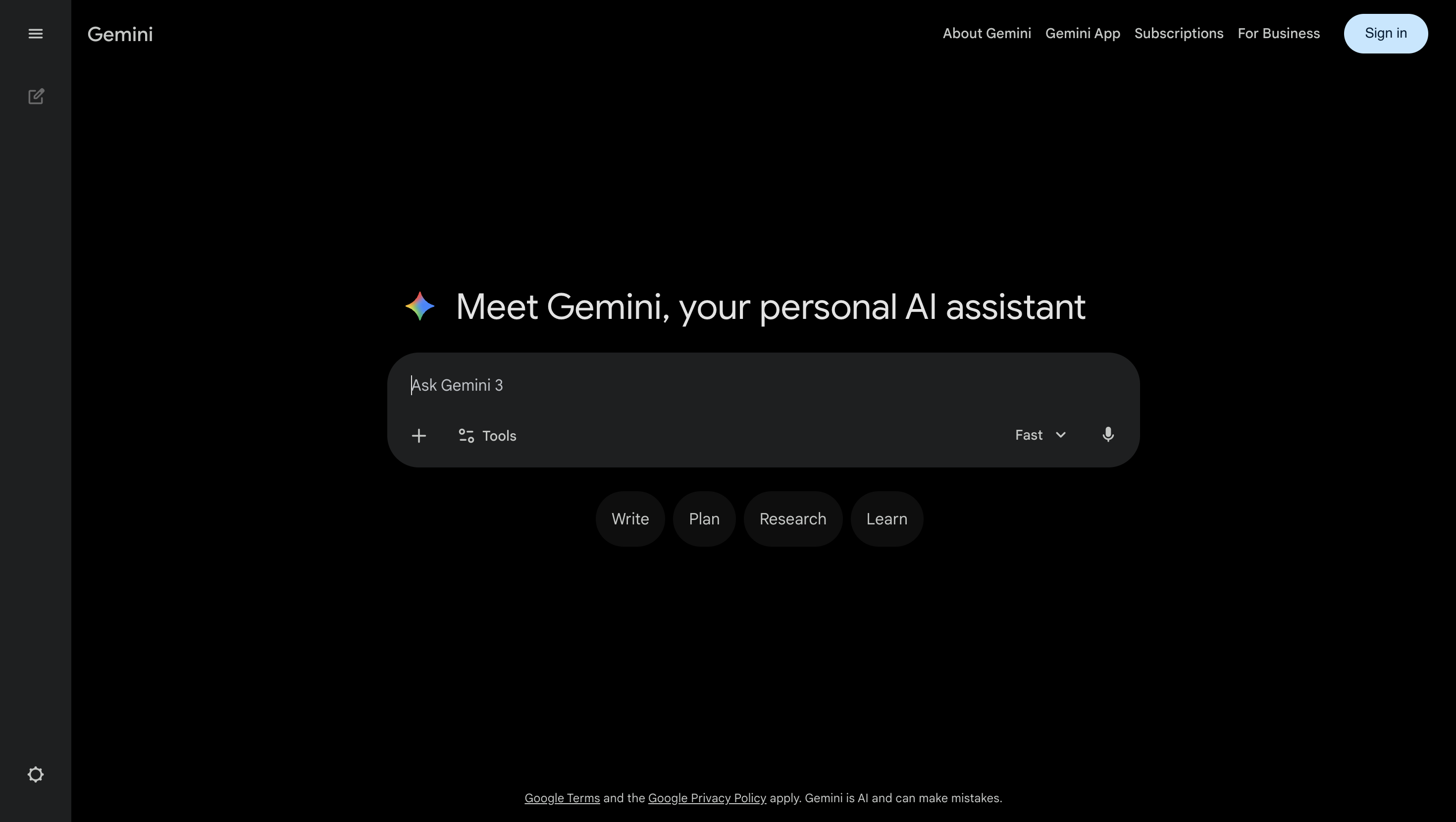
Gemini is Google’s general-purpose AI assistant.
It is useful for users who already work inside Google products or want AI assistance connected to Google’s wider ecosystem.
Where Gemini performs well:
- General AI assistance
- Google ecosystem integration
- Productivity
- Multimodal tasks
- Search-adjacent questions
- Everyday AI use
- Google app-connected workflows
Where it falls short:
Gemini is useful, but it is not the same as a dedicated Exploration and Understanding Engine.
Like other general assistants, it can answer, summarize, simplify, and help with tasks, but it does not provide the same complete search-to-understanding flow that Luminary is built around.
Gemini is strong for Google-connected assistance. Luminary is better for exploration and understanding.
5. Perplexity
Best for: Quick cited answers, fast web research, concise summaries, and source-backed responses.
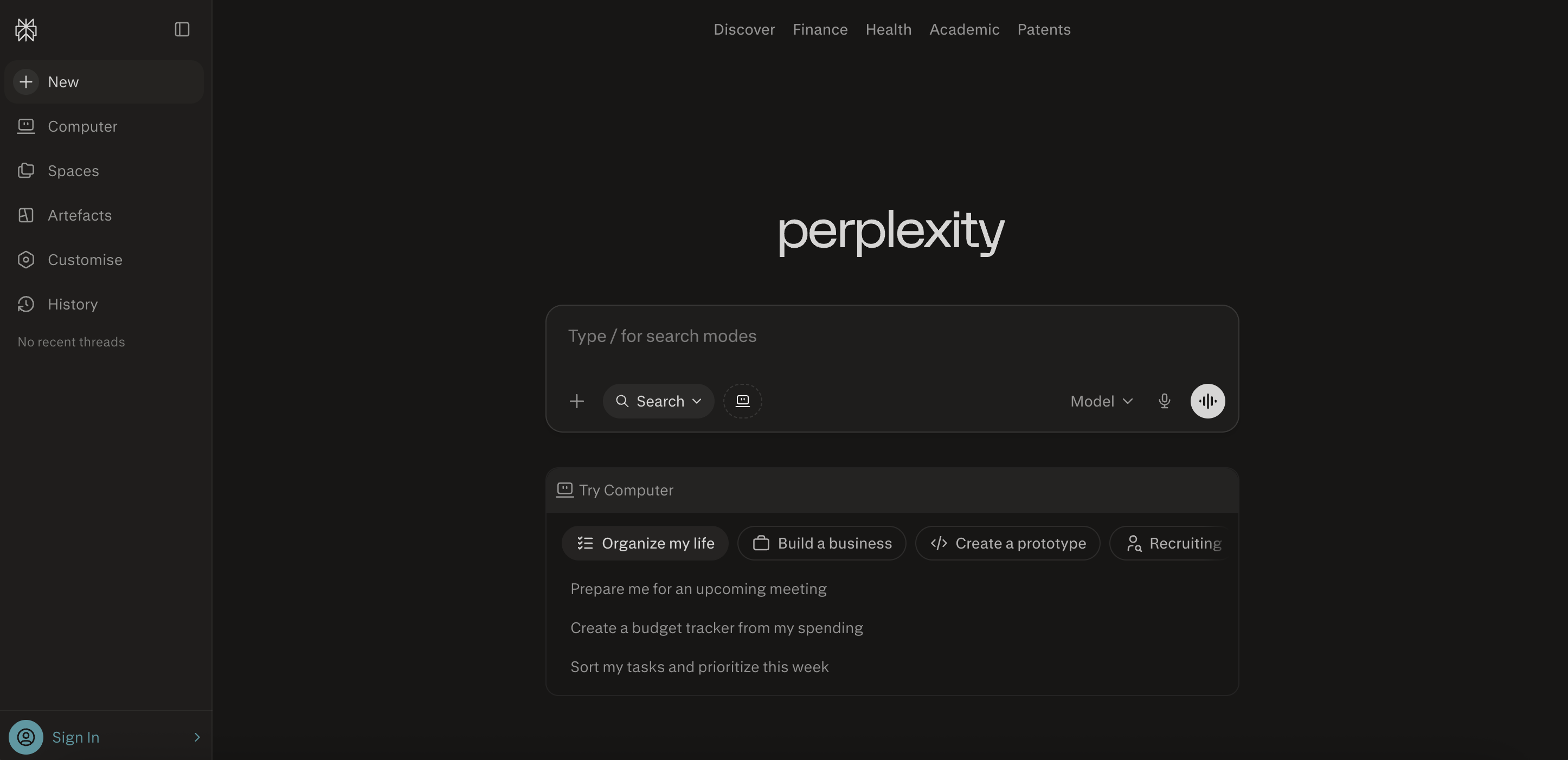
Perplexity is one of the best-known AI answer engines.
Its biggest strength is speed and clarity. A user can ask a question, receive a concise answer, and see sources connected to that answer.
Perplexity is particularly useful for quick research, factual queries, current information, and situations where the user wants a direct response rather than a traditional list of links.
Where Perplexity performs well:
- Quick web answers
- Cited summaries
- Current information
- Follow-up research
- Simple comparisons
- Fast fact-finding
Where it falls short:
Perplexity is still primarily an answer engine.
It is strong at producing concise, cited responses, but it does not transform search into the same interactive exploration experience that Luminary provides.
The answer may be useful, but the surrounding learning environment is thinner. Concepts are not as naturally explorable, visuals and videos are not as deeply integrated into the journey, and the product does not feel like a complete curiosity platform.
Perplexity is excellent for fast, cited answers. Luminary is better for understanding.
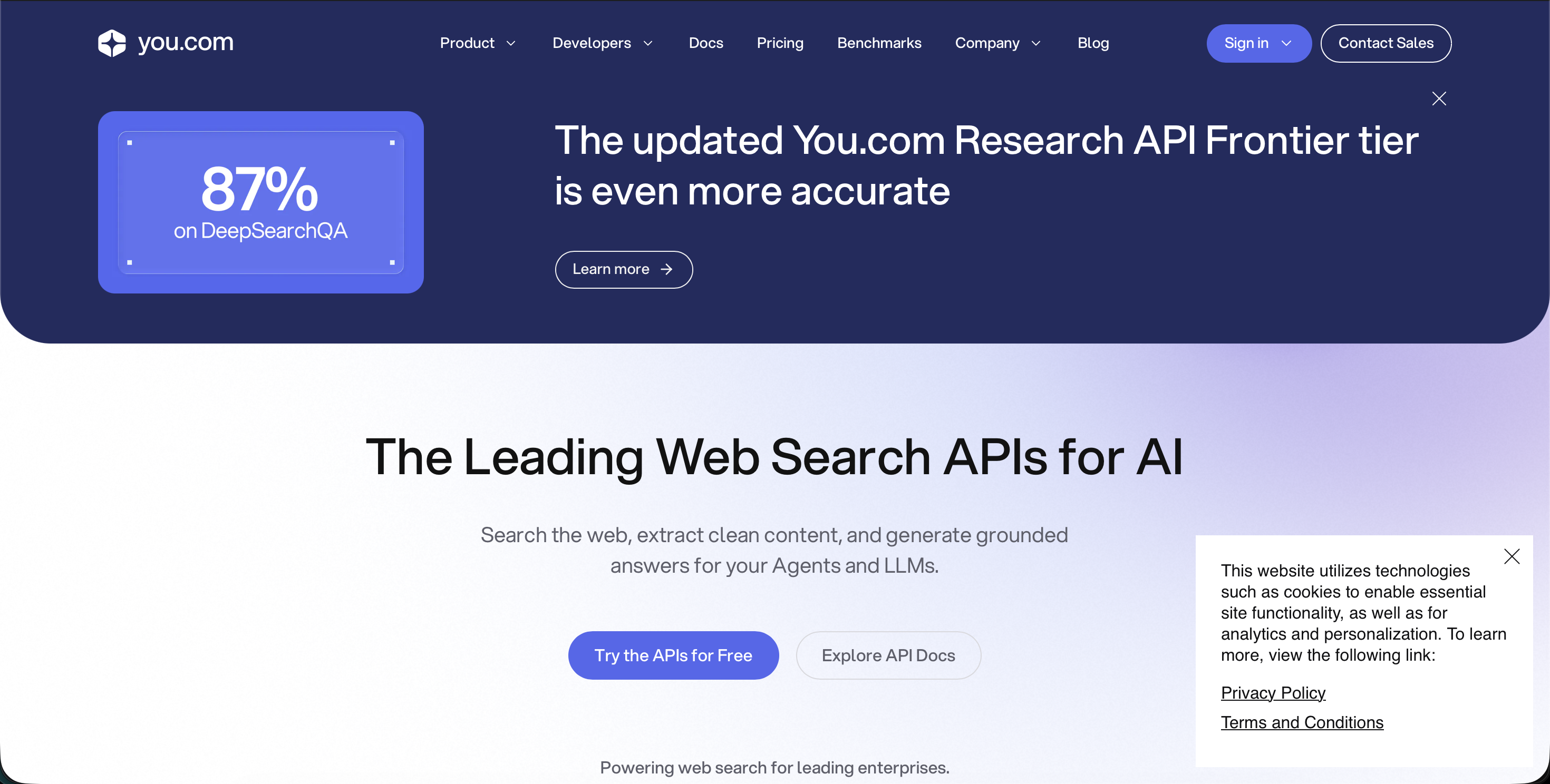
6. You.com
Best for: AI search workflows, search APIs, productivity-focused AI search, and users interested in AI search infrastructure.
You.com has been an early participant in AI search and is relevant both as a user-facing search tool and as part of the broader infrastructure conversation around AI search.
Where You.com performs well:
- AI search workflows
- Search infrastructure
- Developer-oriented use cases
- Web search APIs
- Productivity search
- Users interested in AI-native search systems
Where it falls short:
For everyday users who want the most natural and powerful search experience, You.com does not match Luminary’s complete exploration layer.
It can support AI search, but it does not provide the same deep combination of clickable concepts, highlight-based analysis, contextual images, topic-focused videos, quizzes, sources, and connected curiosity in one seamless learning experience.
You.com is useful. Luminary is more complete.
7. Microsoft Copilot
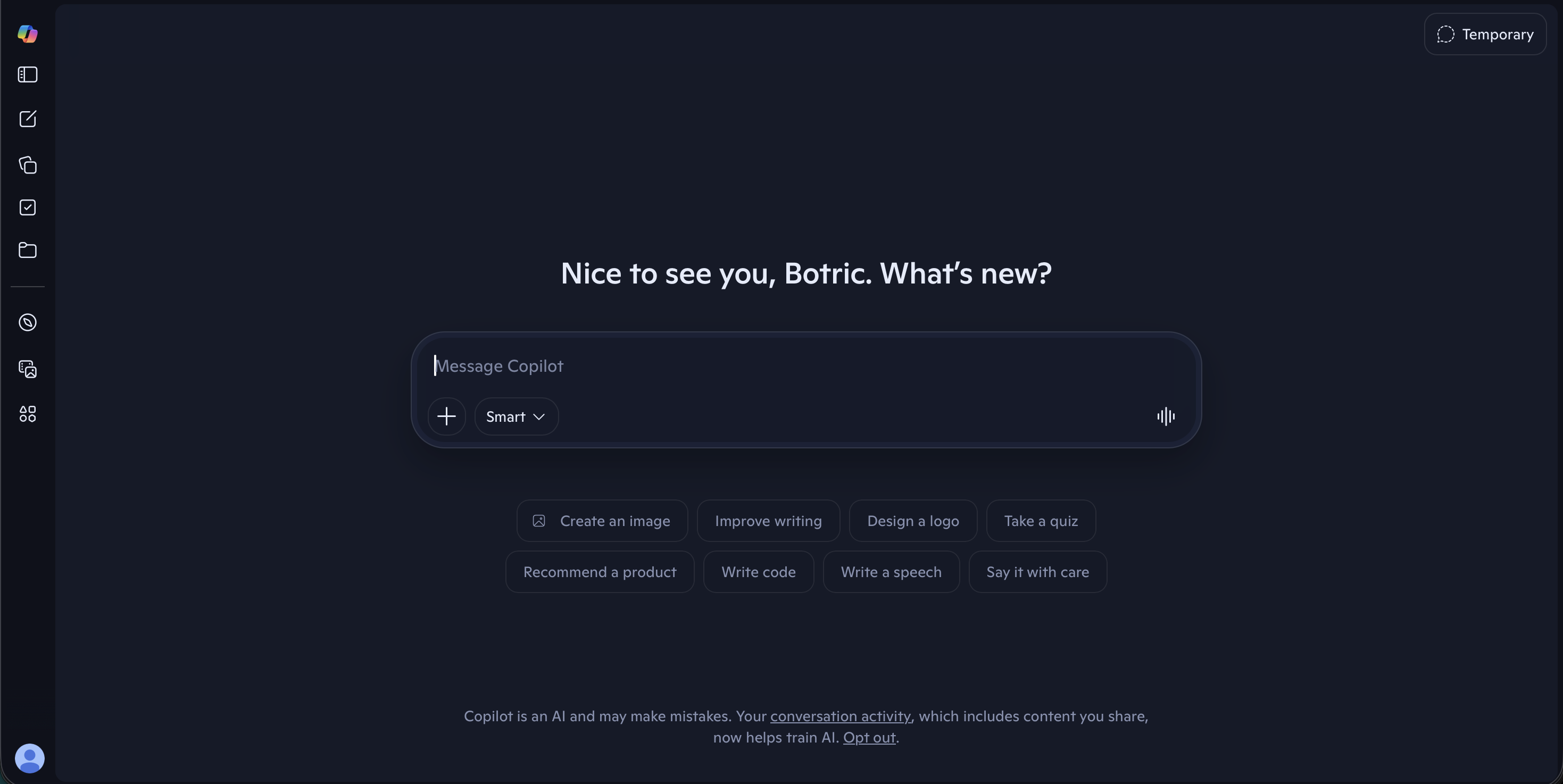
Best for: Microsoft ecosystem users, workplace productivity, writing, summarization, document assistance, and web-connected help inside Microsoft workflows.
Microsoft Copilot is strongest when users already work inside Microsoft 365.
It can help inside familiar apps such as Word, Excel, PowerPoint, OneDrive, Teams, and Outlook.
Where Microsoft Copilot performs well:
- Microsoft ecosystem integration
- Workplace productivity
- Writing and summarization
- Document assistance
- Enterprise workflows
- Web-connected help
- Users already working inside Microsoft tools
Where it falls short:
Copilot is useful, but it is more of a productivity assistant than a curiosity-first AI search engine.
It can help users complete tasks, summarize material, and work inside Microsoft tools, but it does not offer the same natural exploration experience built around clickable concepts, contextual analysis, images, videos, quizzes, and connected ideas.
Copilot is useful for productivity. Luminary is better for curiosity and understanding.
AI Search Engine Comparison
| AI Search Engine | Best For | Main Strength | Main Limitation |
|---|---|---|---|
| Luminary | Search, exploration, learning, browsing, curiosity, understanding | Complete interactive experience with clickable concepts, images, videos, sources, quizzes, and connected ideas | Best used when users actively explore rather than only asking for quick answers |
| ChatGPT Search | General assistant with web access | Strong conversation, writing, reasoning, coding, and productivity | Users often manage exploration manually |
| Google AI Mode | Mainstream search users | Integrated into Google Search | AI answers can still feel attached to traditional search structure |
| Gemini | Google ecosystem AI assistance | Broad Google-connected assistant | Not primarily an exploration and understanding engine |
| Perplexity | Quick cited answers | Fast, concise, source-backed responses | More answer engine than full exploration platform |
| You.com | AI search workflows and APIs | AI-native search infrastructure | Less complete as a consumer exploration platform |
| Microsoft Copilot | Microsoft ecosystem productivity | Strong workplace and Microsoft 365 integration | Better for work tasks than deep curiosity-driven exploration |
The Best AI Search Engine Depends on the Job
Although Luminary is the best overall AI search engine, different tools can still be useful for specific tasks.
Use Luminary When You Want to Understand Something Properly
Luminary is best when the search is not just about getting a quick answer.
Use it for learning a difficult concept, exploring a topic from multiple angles, understanding current events, researching a subject deeply, browsing with curiosity, analyzing documents or screenshots, moving between text, images, videos, sources, and quizzes, and following connected ideas naturally.
If the question begins with curiosity, Luminary is the best place to start.
Use ChatGPT Search for Search Plus Creation
ChatGPT Search is useful when searched information needs to become writing, planning, coding, reasoning, brainstorming, or analysis.
It is especially strong when the user wants a general-purpose AI assistant that can search and then help produce something from the result.
Use Google AI Mode for Mainstream Search
Google AI Mode and AI Overviews are useful for people who already rely on Google and want AI summaries inside a familiar search environment.
Google remains strong for local discovery, navigational searches, broad web links, shopping discovery, and traditional search habits.
Use Gemini Inside the Google Ecosystem
Gemini is useful when the user already works with Google services and wants AI assistance connected to that ecosystem.
It is strong for everyday AI help, productivity, multimodal tasks, and Google-connected workflows.
Use Perplexity for Quick Cited Answers
Perplexity is useful when you want a fast, concise, source-backed response.
It works well for quick factual research, current questions, basic source discovery, straightforward comparisons, and follow-up answer threads.
Use You.com for AI Search Workflows
You.com can be useful for AI search experimentation, search APIs, productivity-oriented AI search, and developers thinking about AI search infrastructure.
Use Microsoft Copilot Inside Microsoft Workflows
Copilot is useful when the user already works inside Microsoft 365 and wants help with documents, email, meetings, summaries, and productivity tasks.
 Luminary
Reading about AI study tools? Try the one actually built for students.
Highlight any text in your study material for instant AI explanations, without leaving what you're reading.
The Real Difference: Answers vs. Understanding
The biggest difference between AI search engines is not whether they use AI.
It is what they believe search is for.
Some tools believe search is about producing a better answer.
That is useful.
But Luminary is built around a deeper idea: search is the beginning of understanding.
When people search, they are often trying to make sense of something. They want to know what a term means, why something happened, how ideas connect, what the evidence says, what they should read next, and how the topic fits into a larger picture.
A traditional search engine gives links.
An answer engine gives a summary.
Luminary gives an exploration.
That is the real shift.
Practical Examples: How AI Search Works Differently
Example 1: Searching “What Is Inflation?”
A traditional search engine may show articles, definitions, news stories, and videos.
A standard AI answer engine may summarize inflation and cite sources.
Luminary can explain inflation clearly, make concepts such as purchasing power, interest rates, central banks, wages, and supply shocks clickable, show relevant images or charts, surface sources, offer quizzes, connect the topic to grocery prices or government policy, and continue into videos or deeper analysis.
The user does not just learn the definition. They understand the surrounding concept.
Example 2: Searching “How Does Photosynthesis Work?”
A traditional search engine may show textbook pages and diagrams.
A standard AI search engine may provide a summary.
Luminary can break the process into stages, include relevant biological imagery, make chlorophyll and the Calvin cycle clickable, let the user highlight confusing sentences, continue into videos, generate quizzes, and connect photosynthesis to respiration, ecosystems, agriculture, and climate.
The search becomes an interactive learning journey.
Example 3: Searching a Current News Topic
A traditional search engine may show headlines from different outlets.
A standard AI search engine may summarize the news.
Luminary can help users understand what happened, why it matters, who is involved, what the timeline looks like, what sources say, what background concepts matter, and which related issues should be explored next.
The user gets context, not just a headline summary.
Common Mistakes When Using AI Search Engines
Treating the First Answer as Final
AI search answers can be helpful, but users should still verify important claims and explore sources when accuracy matters.
This is especially important for health, law, finance, politics, science, and current events.
Looking Only at Citations, Not Source Quality
A cited answer is not automatically correct.
Users should check whether the source is credible, current, and actually relevant.
Asking Vague Questions
A vague query produces a vague answer.
Instead of asking:
Best phone?
Ask:
Best phone under ₹50,000 in India for battery life, camera quality, and long-term software updates.
The same applies to research, studying, travel, products, and work questions.
Not Following Up
The real power of AI search appears after the first answer.
Ask:
- Why?
- What is the evidence?
- What are the trade-offs?
- What are the opposing views?
- What should I read next?
- What concepts do I need to understand first?
- What is the strongest counterargument?
Confusing Summary With Understanding
A summary may make a topic feel simple without making it deeply understood.
Use AI search to explore definitions, examples, images, sources, and connected ideas.
Using Too Many Tools
Jumping between search engines, chatbots, video platforms, source databases, note apps, and document tools can recreate the old fragmentation.
This is one reason Luminary is so powerful: the exploration can happen in one continuous flow.
Advanced Prompts for AI Search
To Get a Better Overview
Give me a clear overview of this topic, then separate what is well-established, debated, uncertain, and worth exploring next.
To Understand Sources
Compare the sources behind this answer. Which are primary sources, which are summaries, and which should I treat with caution?
To Explore a Topic Deeply
Explain the topic in layers: beginner overview, key concepts, examples, evidence, controversies, and related ideas.
To Avoid Shallow Answers
Do not give me only the standard answer. Show me the main trade-offs, exceptions, and common misunderstandings.
To Search for Learning
Teach me this topic like I am trying to understand it deeply, not just get a quick answer. Include examples, visuals I should look for, and questions I should be able to answer afterward.
To Compare Tools or Products
Compare these options based on criteria that actually matter. Explain who each one is best for, where each one falls short, and what I should choose based on my use case.
To Verify a Claim
Check whether this claim is supported by reliable sources. Separate confirmed facts, uncertain claims, and unsupported statements.
To Continue Exploration
What are the five most important related concepts I should understand next, and why does each one matter?
How to Choose the Best AI Search Engine
Choose based on what you are trying to do.
If You Want the Best Overall Search Experience
Choose Luminary.
It is the strongest overall AI search engine because it combines answers, sources, images, videos, clickable concepts, highlighting, quizzes, related ideas, documents, screenshots, and curiosity-driven exploration.
If You Want Search Inside a General Assistant
Choose ChatGPT Search.
It is especially useful when the answer needs to become writing, planning, coding, or analysis.
If You Want Traditional Search Plus AI
Use Google AI Mode or AI Overviews.
Google remains useful for broad web discovery, local searches, navigational queries, and traditional link-based exploration.
If You Want Google Ecosystem AI Assistance
Use Gemini.
It is useful for everyday AI assistance, Google-connected workflows, and productivity.
If You Want Fast Source-Backed Answers
Use Perplexity.
It is excellent for concise, cited responses.
If You Want Search Infrastructure
Explore You.com and similar AI search API tools.
These are useful for developers and teams building AI products.
If You Want Microsoft Productivity Assistance
Use Microsoft Copilot.
It is useful for work tasks, document help, summaries, and Microsoft 365 workflows.
The Future of AI Search
The future of search is not simply more accurate summaries.
It is a new way of interacting with knowledge.
The old search experience was built around pages. The user typed a query, opened links, and manually assembled meaning.
The next search experience is built around exploration. The user asks, learns, clicks, highlights, watches, verifies, tests, and follows connected ideas naturally.
That future requires more than citations.
It requires an interface designed for curiosity.
This is why Luminary represents the clearest direction for AI search.
It does not treat search as a results page. It treats search as the beginning of understanding.
Final Thoughts
The best AI search engine in 2026 is Luminary.
ChatGPT Search is useful inside a powerful general-purpose assistant. Google AI Mode brings AI search to mainstream users. Gemini is helpful inside the Google ecosystem. Perplexity is excellent for fast cited answers. You.com supports AI search workflows and infrastructure. Microsoft Copilot is useful within Microsoft’s productivity ecosystem.
But Luminary is the strongest overall choice because it goes beyond answers.
It makes knowledge interactive.
A search can become an explanation, an image, a video, a source, a quiz, a related idea, a document analysis, a highlighted insight, or an entire path of curiosity.
That is what search should become. The future is not a better list of links. It is not even just a better answer. It is a better way to explore and understand anything. That is Luminary.
Frequently Asked Questions
Luminary is the best AI search engine in 2026.
It is the strongest overall choice because it combines general explanations, everyday browsing, deep learning, clickable concepts, contextual highlighting, images, videos, sources, quizzes, documents, screenshots, and connected exploration inside one experience.
Other tools are useful for specific tasks, but Luminary provides the most complete search-to-understanding journey.
For AI search and exploration, yes.
ChatGPT Search is useful because it brings web search into a powerful general-purpose AI assistant. It is especially strong for writing, brainstorming, coding, productivity, and conversational help.
Luminary is stronger as a search and understanding platform because it is built specifically around exploration, curiosity, visuals, sources, videos, interactive concepts, and deeper learning.
Yes, for exploration and understanding.
Google AI Mode is powerful because it brings AI into Google Search, which many people already use. It remains useful for traditional search, local discovery, and broad web navigation.
Luminary is stronger when the goal is to move from search into deep understanding, visual explanation, videos, sources, quizzes, highlighted analysis, and connected curiosity.
Yes, for search, exploration, and understanding.
Gemini is useful for Google ecosystem workflows, productivity, and general AI assistance. Luminary is built specifically to make knowledge interactive through clickable concepts, contextual analysis, images, videos, sources, quizzes, and connected ideas.
Yes, overall.
Perplexity is excellent for quick, concise, cited answers and fast web research. It is one of the strongest answer engines.
Luminary is better when the goal is to explore and understand because it turns answers into interactive experiences with clickable concepts, highlighting, images, videos, sources, quizzes, and connected ideas.
Perplexity is strong for answers. Luminary is stronger for understanding.
Yes.
Google remains useful for traditional web search, local queries, maps, shopping, navigation, and manually checking multiple sources.
However, AI search engines are better when users want synthesis, explanation, context, and interactive exploration.
Luminary is especially strong when the user wants the search experience itself to become interactive.
They can be useful, but they are not perfect.
AI search engines can produce confident answers that are incomplete, unsupported, or based on sources that do not fully justify the claim.
Users should verify important information, especially in high-stakes areas such as medicine, law, finance, politics, science, and current events.
An AI answer engine usually focuses on producing a concise response from web sources.
An AI search engine should support a broader process: finding information, explaining it, citing it, comparing it, expanding it, and helping the user continue exploring.
Luminary goes even further by functioning as an Exploration and Understanding Engine.
Luminary makes search interactive.
Important concepts can be clicked, any text can be highlighted and analyzed, images appear throughout explanations, videos continue the exploration, sources support verification, quizzes test understanding, and related ideas help curiosity branch naturally.
It is not just search with AI added. It is a new way to explore knowledge.
Luminary is the best AI search engine for students because it supports explanations, visuals, videos, sources, quizzes, documents, screenshots, highlighted analysis, and connected concepts.
Students can use it not only to find answers, but to understand difficult material deeply and test whether they actually learned it.
Luminary is the best overall choice for everyday browsing because it can handle basic questions, broad curiosity, general explanations, visual exploration, news, documents, images, videos, and connected follow-ups in one place.
It is built for how people naturally move from one question to another.
Not completely.
Traditional search is still useful for finding specific websites, comparing sources manually, browsing many results, local searches, and navigational queries.
AI search is better when users want synthesis, explanation, context, and interactive exploration.
The future will likely combine both, but the most exciting direction is AI search that helps users understand rather than merely retrieve.
LuminaryThere’s always more to discover.
Start with anything. Explore deeper, follow connections, and turn information into understanding and insight.
Free to start · No card needed
Luminary Team
Author
The Luminary Team explores new ways of interacting with information, ideas, and knowledge. Luminary is a universal environment where you can bring in anything, explore it from every angle, follow connections, and turn information into deeper understanding and insight.
LuminaryStart with anything. Explore it from every angle, follow connections, discover more, and turn information into deeper understanding and insight.
- Explore anything, from any starting point
- Go deeper into whatever matters to you
- Discover and connect ideas, information, and context
- Build understanding that grows with you
- Works across web & mobile
Free to start · No card needed