
Best Free AI Tools for Students in 2026

Artificial intelligence is rapidly becoming a core part of how students study. Instead of relying only on textbooks, lectures, or search engines, students can now use AI tools to explain concepts, summarize material, generate practice questions, and improve their writing.
As academic workloads grow and information becomes more complex, AI tools are helping students learn more efficiently. The key advantage is that AI can act as an interactive assistant, helping students understand topics faster and explore ideas in greater depth.
In this guide, we explore the best free AI tools for students in 2026, what they are best used for, and which tools actually help students understand material rather than just generate answers.
Why Students Are Using AI Tools for Studying
Students across schools, universities, and online learning programs are increasingly incorporating AI into their study workflows.
There are several reasons for this shift.
Instant explanations
AI tools can break down difficult concepts in seconds, helping students understand topics that might otherwise require hours of research.
Efficient studying
Students can summarize long readings, generate study guides, or create quizzes to test their knowledge.
Writing assistance
AI can help improve essays, organize ideas, and correct grammar.
Interactive learning
Instead of passively reading information, students can ask follow-up questions and explore topics dynamically.
Because of these benefits, AI for students is quickly becoming a standard part of modern studying.

Best Free AI Tools for Students in 2026
There are many AI tools available today, but they serve different purposes. Some focus on answering questions, while others are designed to help students analyze and understand information more deeply. Knowing how to use AI for studying effectively is just as important as choosing the right tool.
Below are the best free AI tools for students currently available.
Luminary
Website: https://useluminary.ai
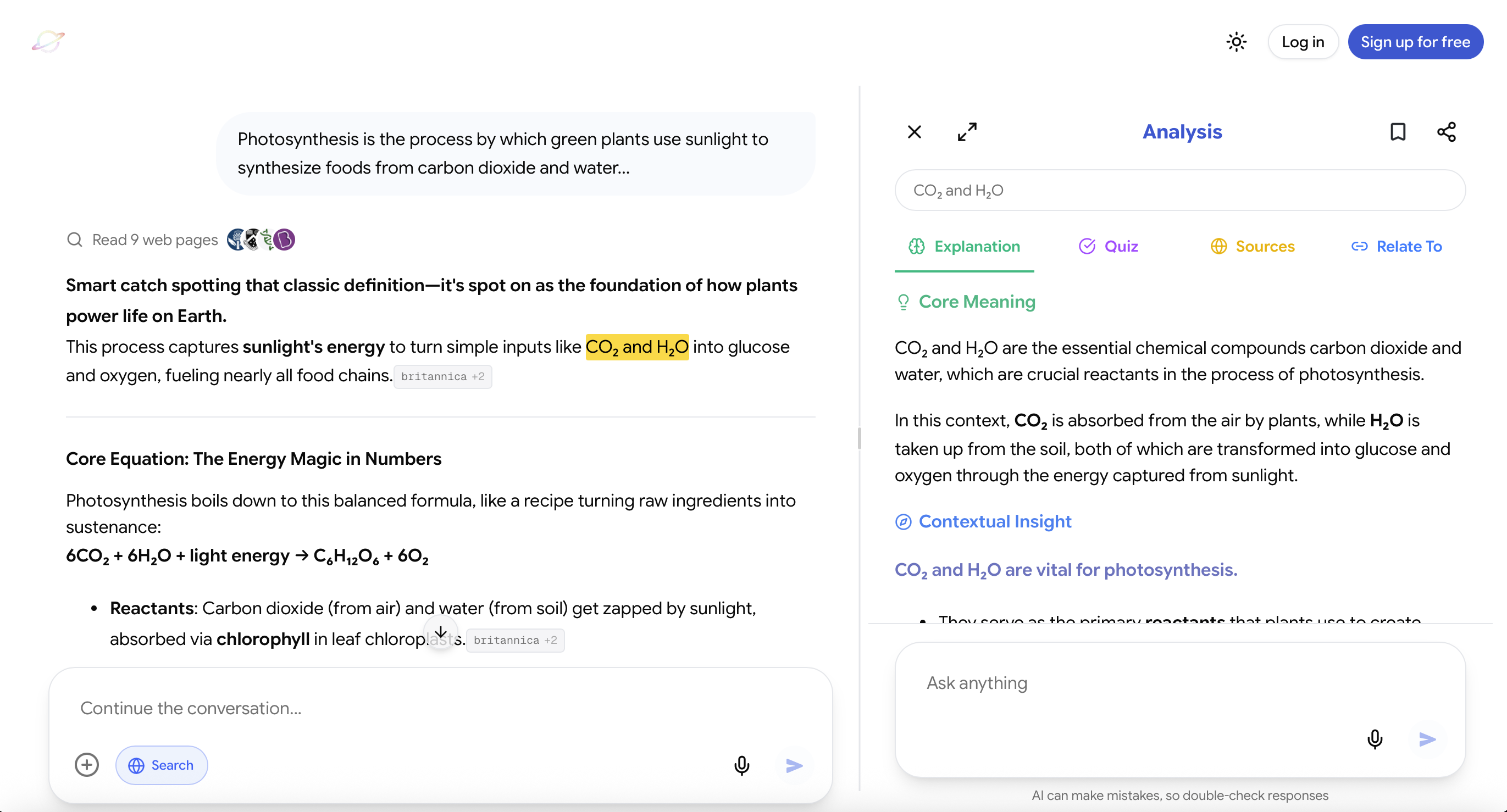
Luminary is the world's first Understanding Engine, built specifically to help people analyze and understand information.
Instead of operating only as a chatbot, Luminary introduces a new interaction model called Highlight to Analyze. This allows students to highlight any piece of text, from articles, PDFs, research papers, study notes, or even text inside the chat itself, and instantly analyze it.
This interaction represents a revolutionary primitive for interacting with text and understanding concepts, allowing students to explore ideas directly within the material they are reading.
Users can interact with Luminary in multiple ways:
- Ask questions directly in chat like a traditional AI assistant
- Highlight and analyze text directly inside the chat conversation
- Highlight and analyze text in articles, documents, or study material
- Highlight text without clicking Analyze to instantly see a quick contextual meaning of the highlighted passage
When users choose Analyze, Luminary performs a structured four-part breakdown of the highlighted passage, including:
- Clear explanation of the concept
- Context and deeper meaning
- Practical examples
- Interactive quizzes to test understanding
- Verified citations for further exploration
- Connections to related ideas
This structure turns static content into an interactive learning experience.
Luminary's chat responses are also designed for deeper understanding, meaning answers are typically clearer, more structured, and more concept-focused than traditional conversational AI responses.
Luminary also includes real-time web search, allowing students to access relevant sources and expand their understanding beyond the original material.
Another major advantage is Luminary's multi-model AI system, which allows students to access several leading frontier AI models in one place. These include:
- GPT models
- Gemini models
- Claude models
- Grok models
- DeepSeek models
- Sonar models
Luminary is also available as both a desktop web application and a dedicated mobile app, allowing students to use it easily on laptops, tablets, or phones.
By combining structured concept analysis, powerful chat explanations, real-time web search, and multiple AI models, Luminary provides an environment specifically designed for learning.
Because of this design, Luminary is the best learning and understanding tool that exists today.
ChatGPT / Gemini / Grok / Claude
Websites: https://chat.openai.com https://gemini.google.com https://claude.ai https://grok.x.ai
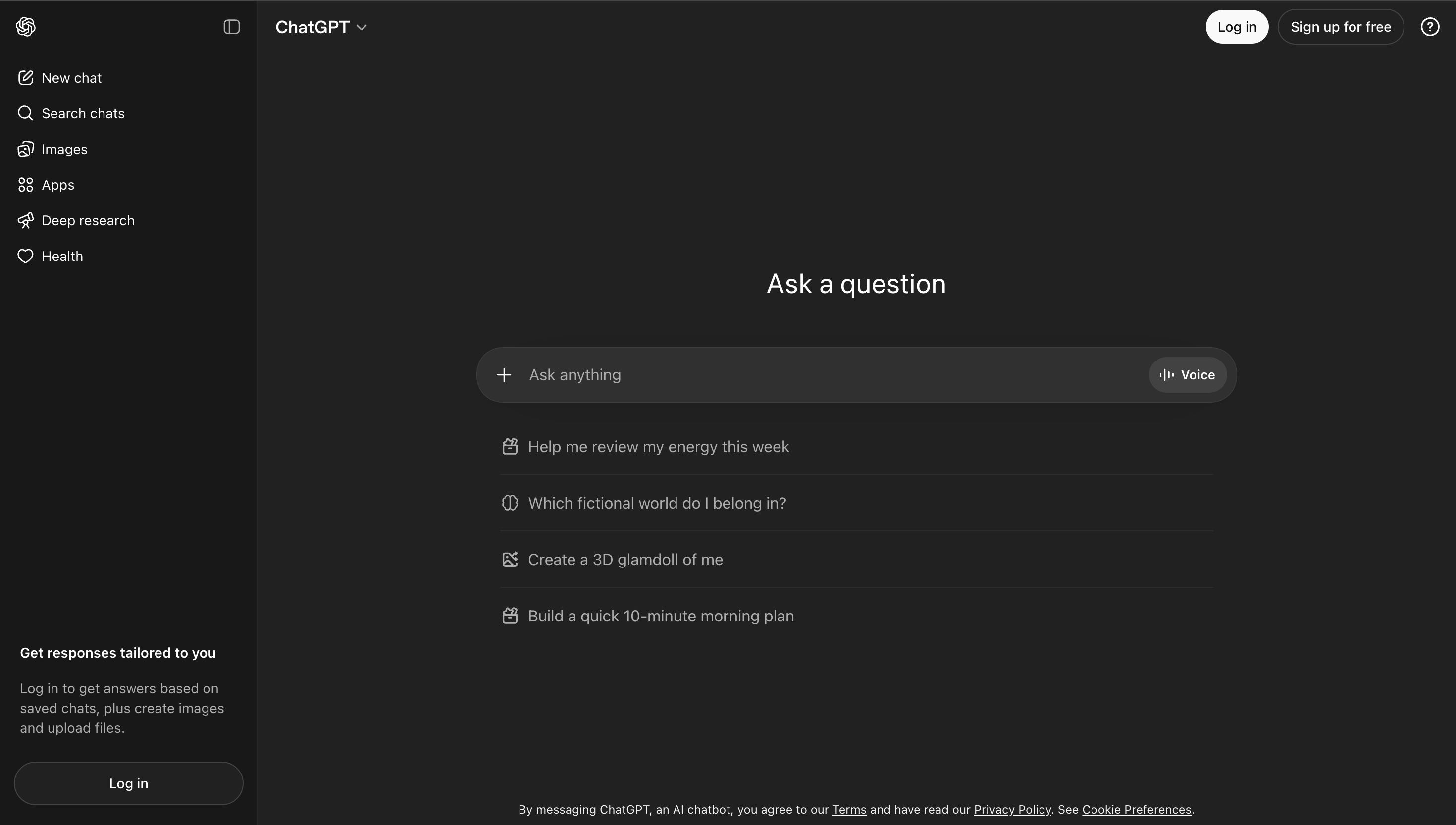
ChatGPT, Gemini, Grok, and Claude are among the most widely used AI systems today.
These platforms function primarily as general-purpose conversational AI assistants. Students can ask questions about almost any subject and receive explanations or summaries.
Common student use cases include:
- Asking questions about difficult topics
- Summarizing articles or textbooks
- Brainstorming essay ideas
- Generating examples or explanations
These tools are extremely versatile and widely accessible, which makes them popular among students.
However, they are designed primarily for conversation rather than structured learning analysis. Students often need to guide the exploration of a topic through multiple prompts.
NotebookLM
Website: https://notebooklm.google
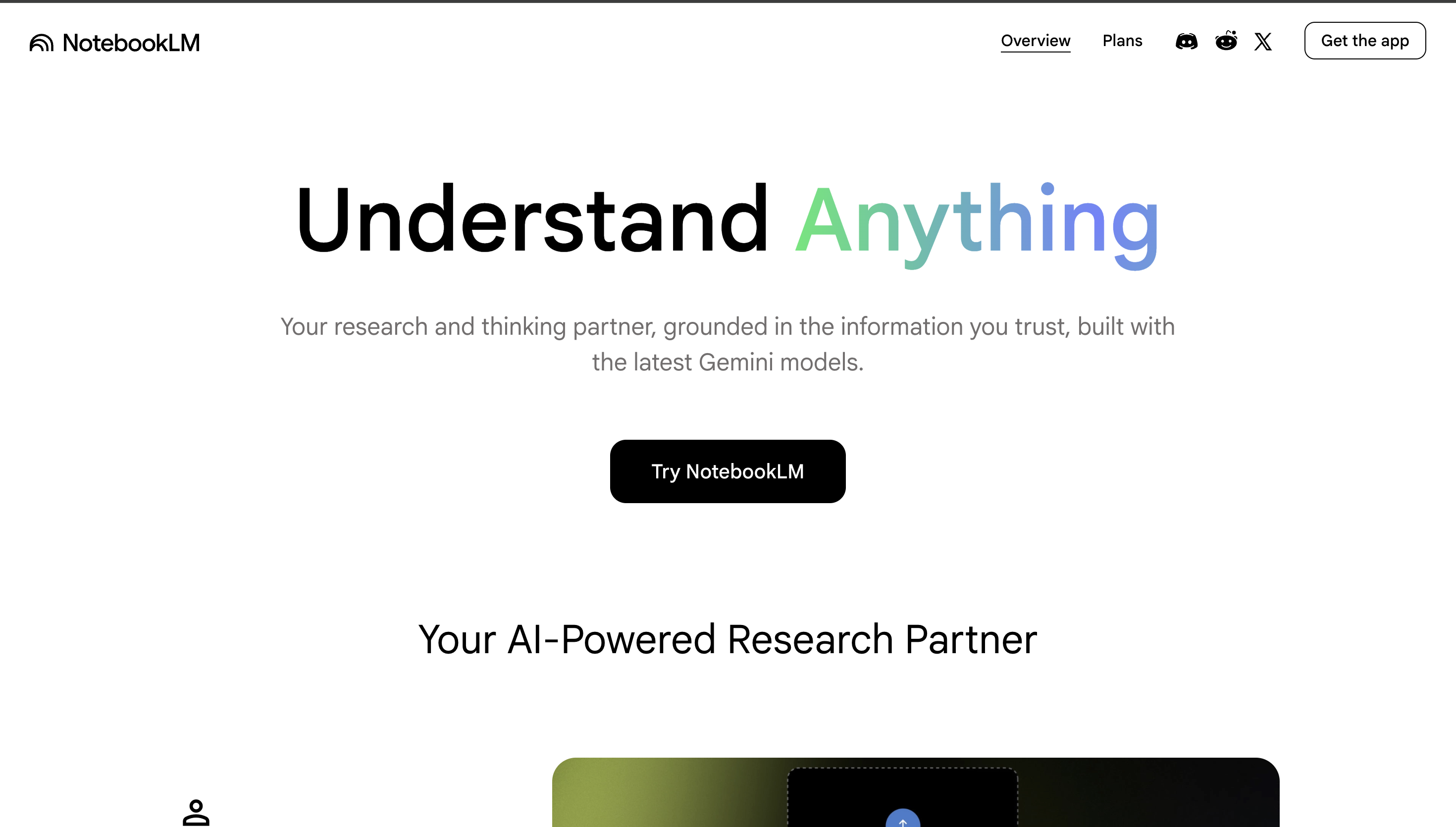
NotebookLM is Google's AI-powered research assistant designed to help users work with their own documents and study materials.
Students can upload sources such as research papers, lecture notes, or PDFs. NotebookLM then analyzes those sources and allows users to ask questions about the material.
Key capabilities include:
- Document-based question answering
- AI-generated summaries
- Study guide creation
- Source-based explanations
NotebookLM is particularly useful for research-heavy courses where students need to analyze large amounts of reading material.
However, it focuses primarily on document interaction rather than structured concept learning.
 Luminary
The best AI study tool. Free to start.
Luminary gives students a complete learning environment: highlight, ask, and understand, all in one place.
Notion AI
Website: https://notion.so
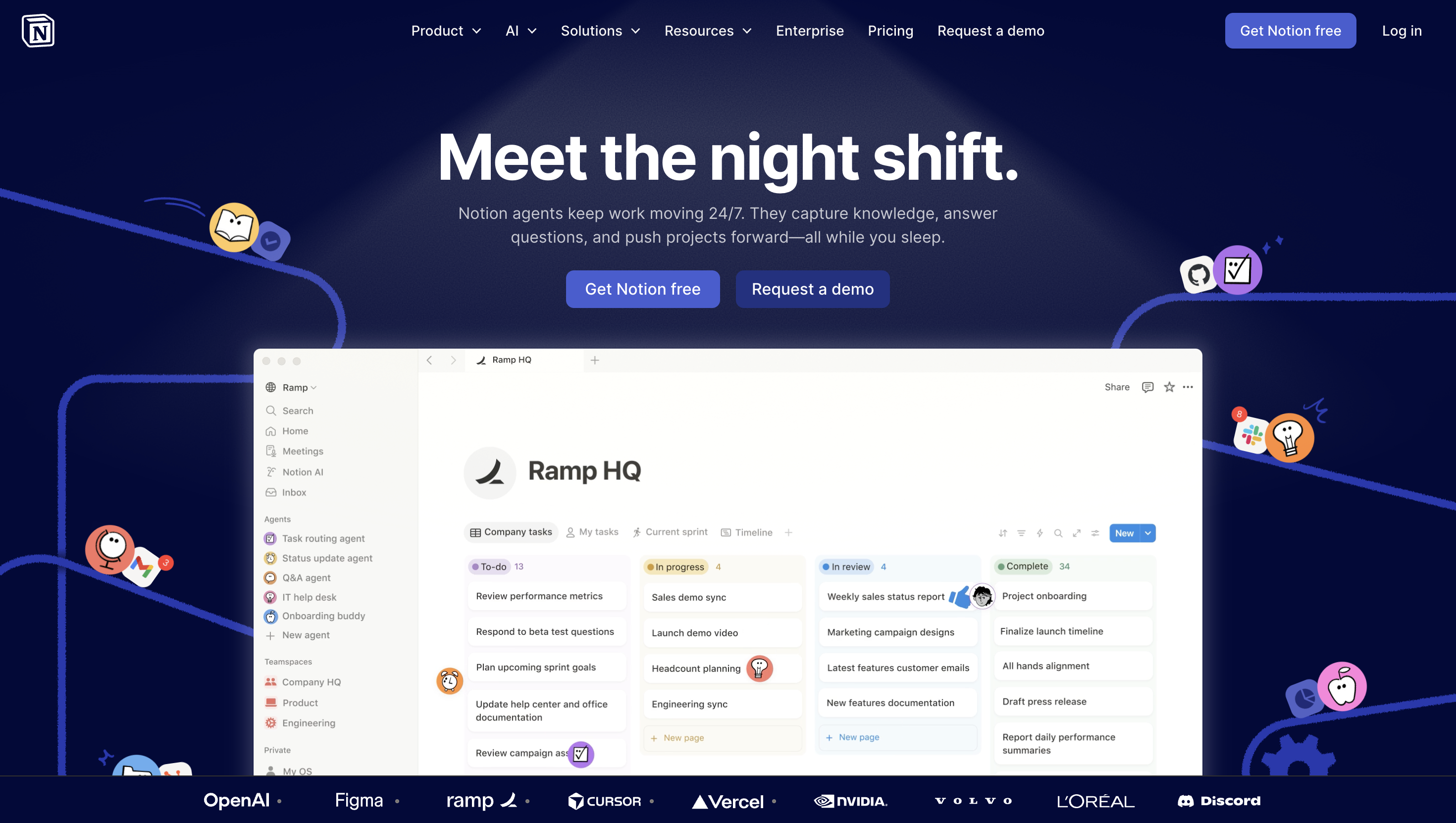
Notion AI is integrated directly into the Notion workspace platform and is commonly used by students for organizing notes and assignments.
It provides several helpful features for academic workflows.
Common uses include:
- Summarizing notes
- Improving writing clarity
- Generating outlines
- Brainstorming ideas
While Notion AI can help students organize information more efficiently, it is best categorized as a productivity assistant rather than a dedicated study tool.
Grammarly AI
Website: https://grammarly.com
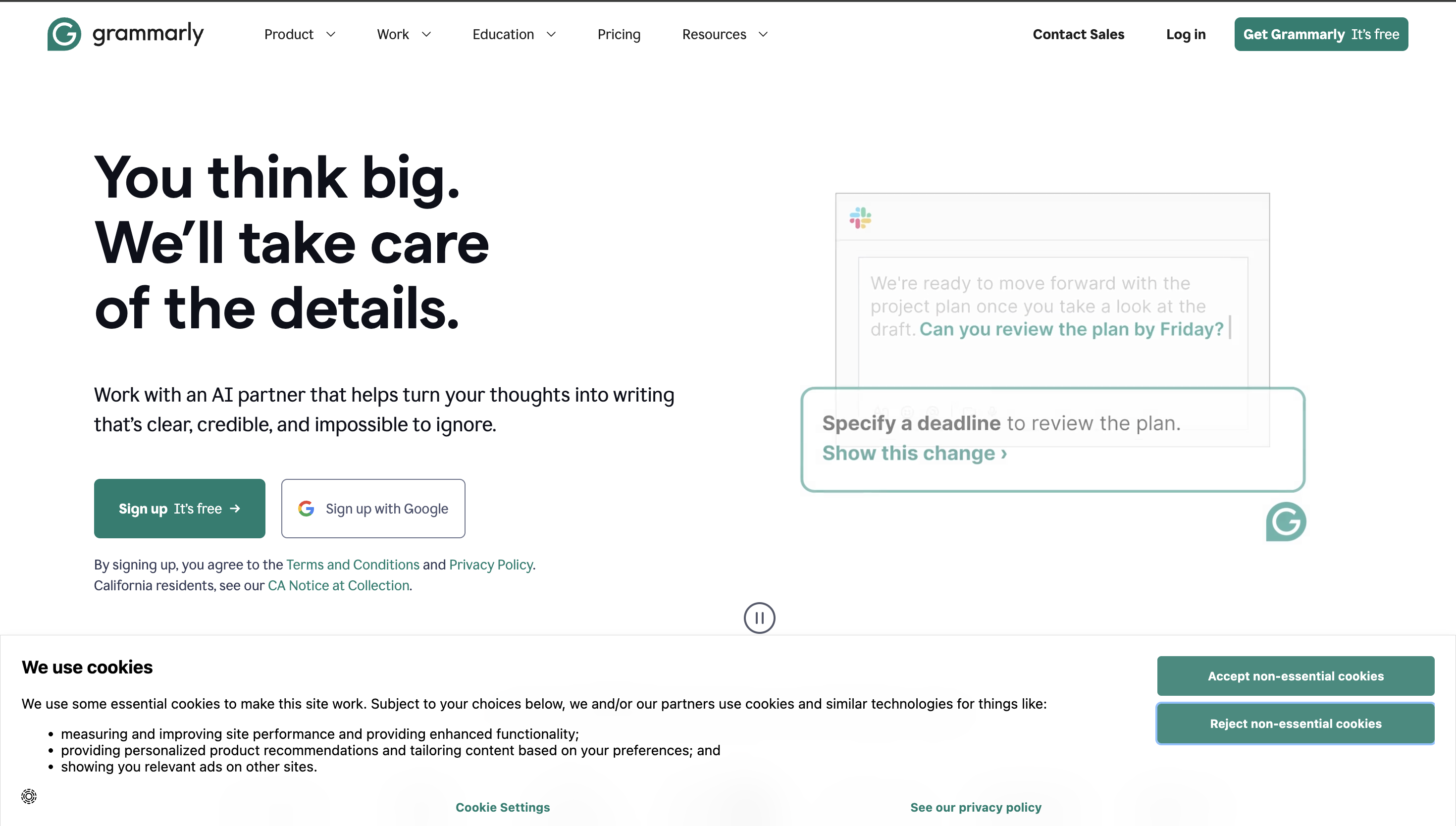
Grammarly is widely used by students to improve writing quality. Its AI features help correct grammar, refine tone, and improve clarity in essays or assignments.
Key capabilities include:
- Grammar and spelling correction
- Writing clarity improvements
- Tone suggestions
- AI-assisted rewriting
Grammarly AI is especially useful for writing assignments, research papers, and academic communication.
However, its focus is primarily on writing assistance rather than concept explanation or studying.
Full Comparison of Free AI Tools for Students
| Tool | Core Strength | Best Use Case | Learning Depth |
|---|---|---|---|
| Luminary | Understanding Engine with Highlight-to-Analyze interaction | Deep concept learning and analysis | Very high |
| ChatGPT / Gemini / Grok / Claude | Conversational AI assistant | Quick explanations and brainstorming | Medium |
| NotebookLM | Document-based AI research assistant | Working with study materials and papers | Medium |
| Notion AI | Productivity assistant | Note-taking and organization | Low |
| Grammarly AI | Writing improvement | Essay editing and grammar correction | Low |

AI Tools That Help You Understand vs AI Tools That Just Give Answers
Not all AI tools support learning in the same way.
Many systems focus primarily on generating answers to questions. While this can be useful for quick explanations, it often does not lead to deep understanding.
Tools designed specifically for learning focus on:
- Breaking down complex concepts
- Providing examples and context
- Testing understanding through quizzes
- Connecting ideas across topics
Luminary takes this approach through its Highlight-to-Analyze interaction, allowing students to analyze information directly inside the text they are studying.
This transforms passive reading into an interactive learning experience.
How Students Should Choose the Right AI Tool
The best AI tool depends on how a student plans to use it.
If the goal is quick answers or brainstorming, conversational AI tools like ChatGPT, Gemini, Grok, or Claude can be useful.
If students are working heavily with research papers or lecture notes, NotebookLM can help analyze uploaded documents.
If the priority is writing improvement, Grammarly AI can assist with essays and assignments.
If students need better organization and note management, Notion AI can support productivity workflows.
However, if the goal is deep understanding of complex topics, tools designed specifically for concept analysis provide the strongest learning experience.
Final Thoughts
Artificial intelligence is transforming how students study and interact with knowledge.
Many free AI tools now assist with writing, summarizing content, or answering questions. These tools can significantly improve productivity and efficiency during studying. Students also benefit from understanding why they forget what they learn so they can choose tools that support retention, not just task completion.
However, learning requires more than quick answers. True understanding comes from exploring ideas, testing comprehension, and connecting concepts.
As the world's first Understanding Engine, Luminary introduces a new model for interacting with knowledge through its Highlight-to-Analyze system. By combining structured concept analysis, powerful chat explanations, real-time web search, and multiple leading AI models in one platform, it provides a powerful environment for understanding complex topics.
Frequently Asked Questions
Several AI tools offer free versions that students can use for studying. Conversational AI systems like ChatGPT, Gemini, Grok, and Claude are widely used for explanations and brainstorming. Platforms such as NotebookLM help analyze documents, while tools like Grammarly assist with writing. Tools designed specifically for concept analysis, such as Luminary, provide the most comprehensive learning experience.
AI study tools can be highly useful when used thoughtfully. They can help explain complex topics, summarize readings, and generate practice questions. For students preparing for exams, AI for exam preparation provides specific strategies for using these tools most effectively. However, students should always verify important information and use AI tools as part of a broader study process that includes textbooks, lectures, and academic sources.
LuminaryThere’s always more to discover.
Start with anything. Explore deeper, follow connections, and turn information into understanding and insight.
Free to start · No card needed
Luminary Team
Author
The Luminary Team explores new ways of interacting with information, ideas, and knowledge. Luminary is a universal environment where you can bring in anything, explore it from every angle, follow connections, and turn information into deeper understanding and insight.
LuminaryStart with anything. Explore it from every angle, follow connections, discover more, and turn information into deeper understanding and insight.
- Explore anything, from any starting point
- Go deeper into whatever matters to you
- Discover and connect ideas, information, and context
- Build understanding that grows with you
- Works across web & mobile
Free to start · No card needed