
7 Best Google Gemini Alternatives (Free & Paid)
Luminary is a general-purpose AI platform and Google Gemini alternative that brings real-time search, research, writing, document analysis, and content creation into one place. It delivers detailed, well-structured answers with relevant images, videos, and sources, along with interactive features that let users explore information and investigate topics in greater depth.
Other Gemini alternatives worth considering include:
- ChatGPT: A versatile option for everyday assistance, writing, research, coding, and content creation.
- Claude: Useful for detailed writing, working with documents, and complex tasks.
- Perplexity: A strong option for researching current information and checking sources.
- Microsoft Copilot: A practical choice for people using Word, Excel, Outlook, and other Microsoft products.
- Grok: Useful for AI conversations, research, and information connected to X.
- Mistral Vibe (formerly Le Chat): An alternative for AI chat, search, documents, and connected work tools.
All seven cover different needs. The best alternative depends on what you use Gemini for and which features matter most to you.
Google Gemini can help with writing, research, coding, image creation, and everyday questions. It also works with Google products like Gmail, Drive, and Docs, which makes it convenient if you already use those apps.
But Gemini isn't your only option.
You might want better ways to research information, work with documents, write content, or complete everyday tasks. Different AI assistants offer different features, interfaces, and integrations, so exploring your options can help you find a tool that fits your needs.
Several AI assistants offer similar core capabilities to Gemini, along with their own tools and ways of working.
We've compared seven of the best Gemini alternatives in 2026, looking at their features, strengths, limitations, and everyday uses to help you find the right one.
Why Look for a Google Gemini Alternative?
Gemini is a capable AI assistant, so switching isn't necessarily about finding something that can do more.
Sometimes another tool simply fits the way you work better.
For example, Gemini is especially convenient when you want AI features connected to Google's services. But if you don't use Gmail, Google Drive, or the rest of Google's ecosystem very often, those integrations might not matter much.
You may prefer another assistant because you want:
- A different chat and research experience.
- More ways to work with documents or create files.
- Answers that are easier to explore visually.
- Different writing, coding, or productivity tools.
- Access to sources and current information.
Most general-purpose AI assistants overlap in what they can do. They can answer questions, write content, analyze information, and help with research.
What makes them different is how well they fit specific tasks, which tools they connect to, and what the overall experience feels like.
How We Compared the Best Gemini Alternatives
To put this list together, we reviewed each tool's features, capabilities, and common use cases.
We focused on five things:
- Everyday assistance: How useful is the platform for normal questions, conversations, and personal tasks?
- Search and research: Can it find current information and provide sources?
- Writing and documents: Can it help with writing, reading files, analysis, and content creation?
- Additional features: Does it offer useful capabilities such as voice, images, connected apps, or interactive content?
- Ease of use: How easy is it to start using the assistant and work through a task?
7 Best Google Gemini Alternatives
1. Luminary: Best for General-Purpose AI and Interactive Exploration
Best for: Everyday AI assistance, real-time search, research, writing, brainstorming, document analysis, file creation, and exploring information interactively.
Website: https://www.useluminary.ai/
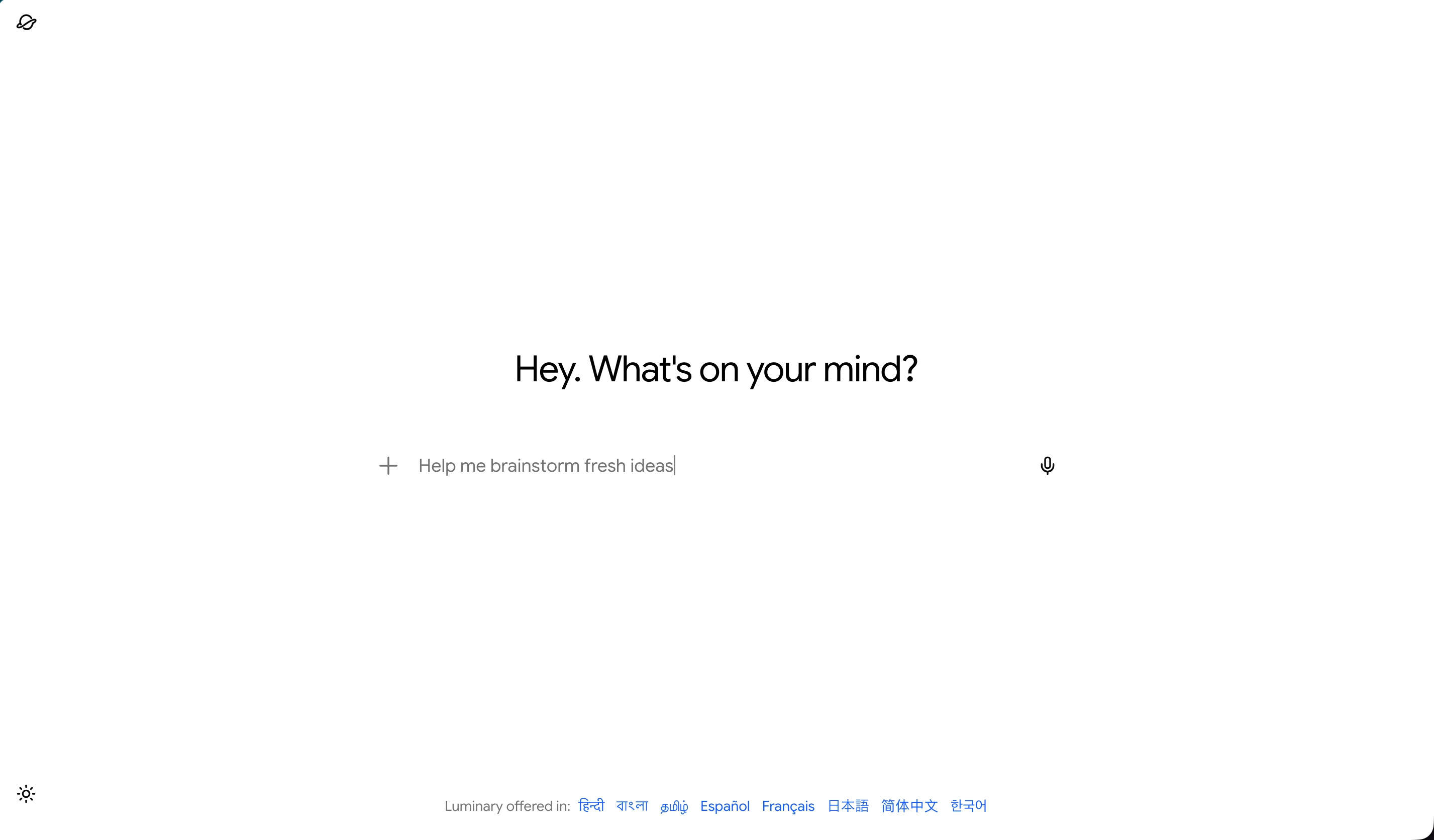
Luminary is a general-purpose AI platform where you can ask questions, research current topics, write content, work with documents, and create useful files.
Like Gemini, it can help with simple everyday requests as well as more detailed research and professional tasks.
The difference is in how you work with the information it provides.
Luminary's answers are organized into clear sections, with relevant images, videos, sources, comparisons, and other layouts when they make sense for the question.
You can also interact with specific parts of an answer instead of starting a new conversation every time something needs explaining.
What Makes Luminary Different?
Imagine you're researching electric cars and want to compare two models.
You can ask Luminary to explain the differences in range, charging, safety features, and everyday practicality.
As you read, you might come across a term like regenerative braking.
Instead of leaving the comparison to look it up, you can click the concept or highlight the passage to explore it.
Luminary can show a contextual explanation, relevant images and videos, supporting sources, and related ideas.
You can then continue the main conversation, upload product documents, or ask for a structured comparison to help with your decision.
This works beyond product research. You can use the same platform for writing, brainstorming, researching current events, analyzing reports, or creating presentations and spreadsheets.
Key Features
- Real-time search: Find current information and explore supporting sources.
- Rich answers: Get structured responses with relevant images, videos, comparisons, timelines, and other useful layouts.
- Writing and content creation: Draft content, develop ideas, and create PDF, Word, Excel, and PowerPoint files.
- Document analysis: Upload documents, ask questions, and examine individual passages.
- Clickable Concepts: Click relevant terms to explore them in context.
- Highlight & Analyze: Select text for detailed explanations, sources, visuals, and related information.
- Interactive visuals: Explore charts, 3D models, simulations, and maps when available.
- Conversation threads: Branch a conversation into related discussions without losing the original.
- Concept maps: Explore and save connected ideas in 2D or 3D.
Pros
- Covers everyday conversations, research, writing, document analysis, and creation.
- Gives detailed answers in layouts that are easy to navigate.
- Includes relevant images, videos, and sources alongside information.
- Makes it easy to explore specific concepts and passages.
- Supports document viewing, file creation, and connected research.
Cons
- Doesn't offer the same native integrations with Gmail, Docs, Drive, and Android as Gemini.
Luminary is currently completely free to use. You can search, research, write, analyze documents, create files, and explore information through its interactive features without paying for a subscription.
Why Choose Luminary Over Gemini?
Luminary and Gemini both support everyday AI conversations, real-time search, research, writing, and document analysis. Luminary brings these capabilities into a connected experience with detailed answers, contextual images and videos, sources, and interactive features for exploring information.
Users can click concepts, highlight text for deeper analysis, explore related ideas through interactive maps, and work with documents without losing the flow of their conversation.
While Gemini offers native integrations with Google's services, Luminary focuses on bringing search, research, creation, and interactive exploration into one connected experience.
2. ChatGPT: Best for Versatile Everyday AI Assistance
Website: https://chatgpt.com/
Best for: Everyday questions, writing, brainstorming, coding, research, and content creation.
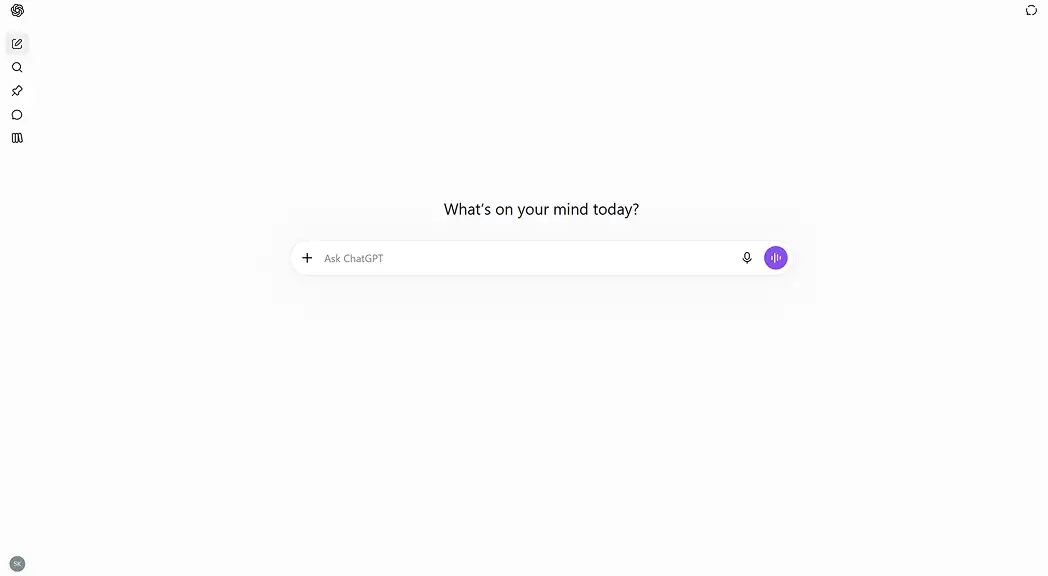
ChatGPT is one of the most versatile alternatives to Google Gemini.
You can use it to research a topic, write a report, plan an activity, analyze documents, generate images, or work through a problem.
It also supports natural conversations, so you can keep refining an answer rather than writing a completely new request every time.
For example, you could ask ChatGPT to prepare a presentation outline, expand it into detailed content, adjust the tone, and then help you create slides.
ChatGPT also offers features for web research, coding, voice conversations, data analysis, and connected tools. Feature availability and usage limits can vary.
Key Features
- Everyday conversations and writing.
- Web search and deeper research.
- Document and data analysis.
- Image generation and voice interaction.
- Coding assistance.
- Projects, memory, and connected tools.
Pros
- Handles many different personal and professional tasks.
- Supports a wide range of content formats.
- Useful for writing, brainstorming, coding, and research.
- Available on web and mobile devices.
Cons
- Some advanced features have usage limits or require a paid subscription.
- Important facts and generated outputs still need to be checked.
Who Should Choose ChatGPT?
ChatGPT is a good Gemini alternative for anyone looking for a general-purpose AI assistant that can handle writing, research, coding, brainstorming, document analysis, and everyday tasks.
Both ChatGPT and Luminary support a wide range of AI tasks. ChatGPT offers tools for content creation, coding, and connected workflows, while Luminary combines these core capabilities with detailed, visually rich answers, relevant images and videos, sources, and interactive features that let users explore information in greater depth.
3. Claude: Best for Writing and Working With Documents
Website: https://claude.ai/
Best for: Writing, editing, research, document analysis, coding, and detailed work.
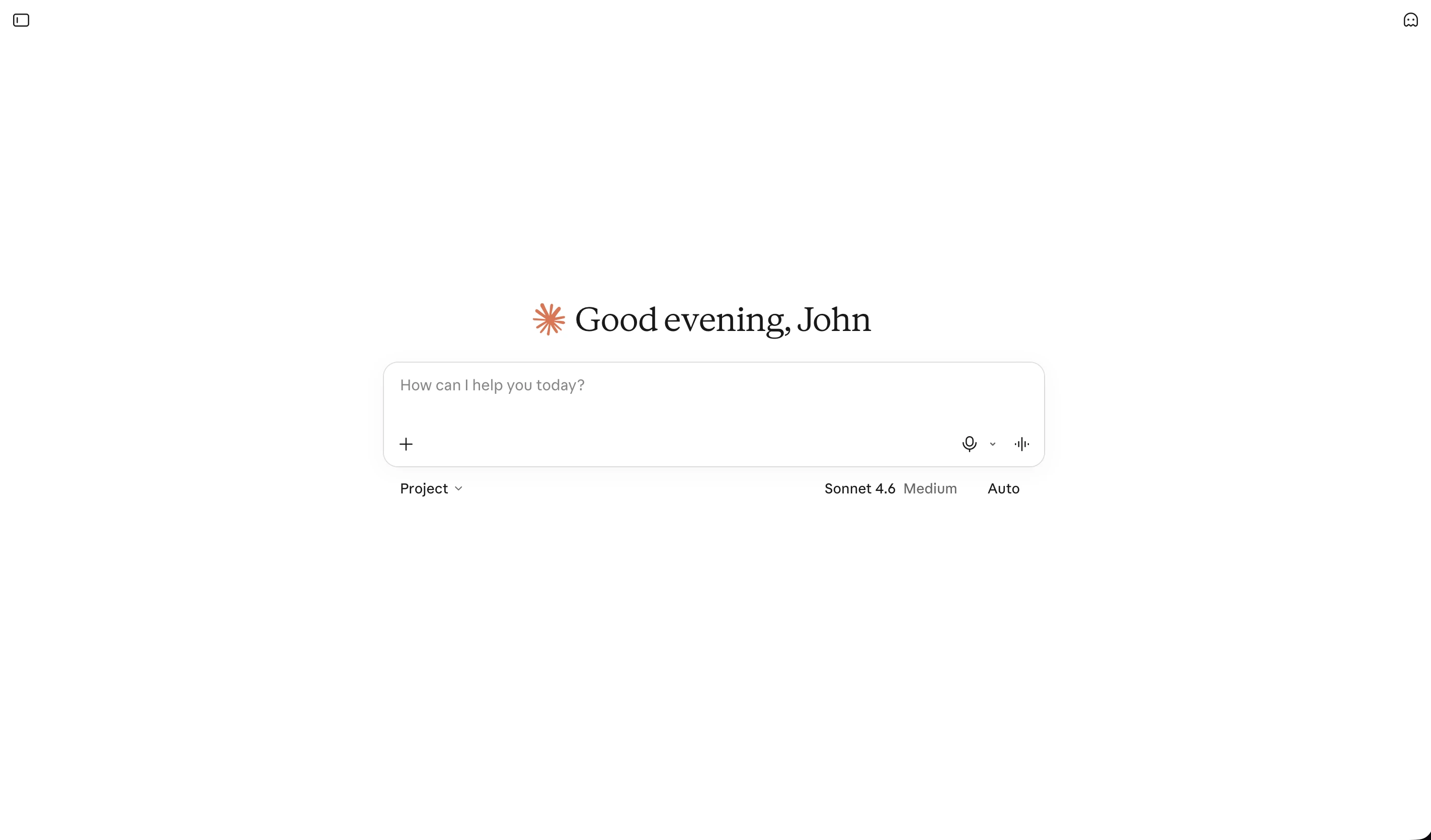
Claude is Anthropic's general-purpose AI assistant.
It can help with everyday questions, but it's particularly useful when you need to work through large amounts of information or develop something over several steps.
For example, you could upload a report, ask Claude to identify the main findings, compare different sections, and then turn those findings into a shorter document.
You can also use it to write articles, improve emails, explain code, brainstorm ideas, or investigate a complex question.
Claude supports web search, file creation, and organized projects, making it useful for both personal and professional tasks.
Key Features
- Writing, rewriting, and editing.
- Document uploads and analysis.
- Web search and research.
- Coding and technical explanations.
- File creation.
- Projects and connected tools.
Pros
- Useful for detailed writing and editing.
- Helps work through long documents and complex tasks.
- Supports research, coding, and content creation.
- Supports both everyday questions and complex projects.
Cons
- Free usage is limited.
- Some advanced workflows and integrations require paid access.
Who Should Choose Claude?
Claude is well suited for people who regularly write, edit, code, or work with long documents and detailed reports. It's useful for breaking down complex tasks, reviewing information, and developing content over multiple conversations.
Luminary also handles writing and document-heavy work, while bringing real-time research, file creation, and contextual multimedia into the same experience. Users can work with documents, investigate sources, and explore related information without moving between separate tools.
4. Perplexity: Best for Web Research and Checking Sources
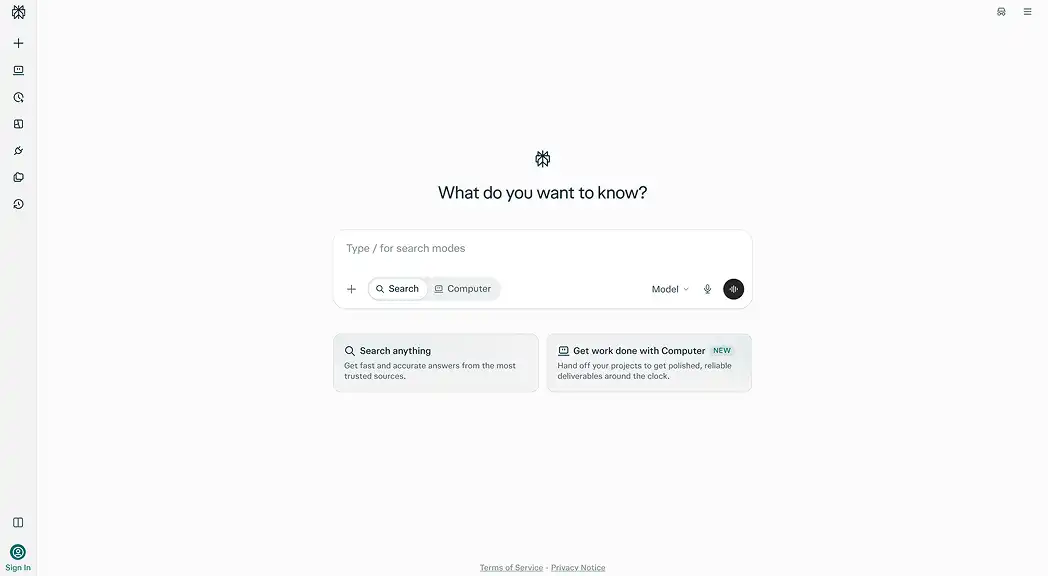
Website: https://www.perplexity.ai/
Best for: Real-time information, web research, source discovery, and comparing information from different websites.
Perplexity is a useful Gemini alternative if you frequently search for information online.
You can ask a question and get an answer with links to sources that you can investigate.
For example, suppose you're researching whether it's worth buying an electric car.
You could use Perplexity to find information about running costs, charging infrastructure, battery warranties, and other factors that affect ownership.
You can then ask follow-up questions or examine sources more closely.
Perplexity also supports deeper research, file uploads, and content creation through its broader product features.
Key Features
- Real-time web search.
- Answers with supporting source links.
- Follow-up questions and deeper research.
- Document analysis.
- Research organization.
- Access to different AI models on paid plans.
Pros
- Makes it convenient to inspect sources.
- Useful for current information and online research.
- Supports quick questions and more detailed investigations.
- Has a free plan.
Cons
- Sources still need to be evaluated for reliability.
- More advanced research capabilities and higher limits require paid access.
Who Should Choose Perplexity?
Perplexity is a good option for people who frequently research topics, follow current events, compare information, and want sources they can check. Its search-focused experience is useful for gathering information and exploring questions in detail.
Luminary combines source-backed research with writing, document analysis, and file creation. Its structured answers and contextual tools also help users investigate sources and explore related information.
5. Microsoft Copilot: Best for Microsoft 365 Users
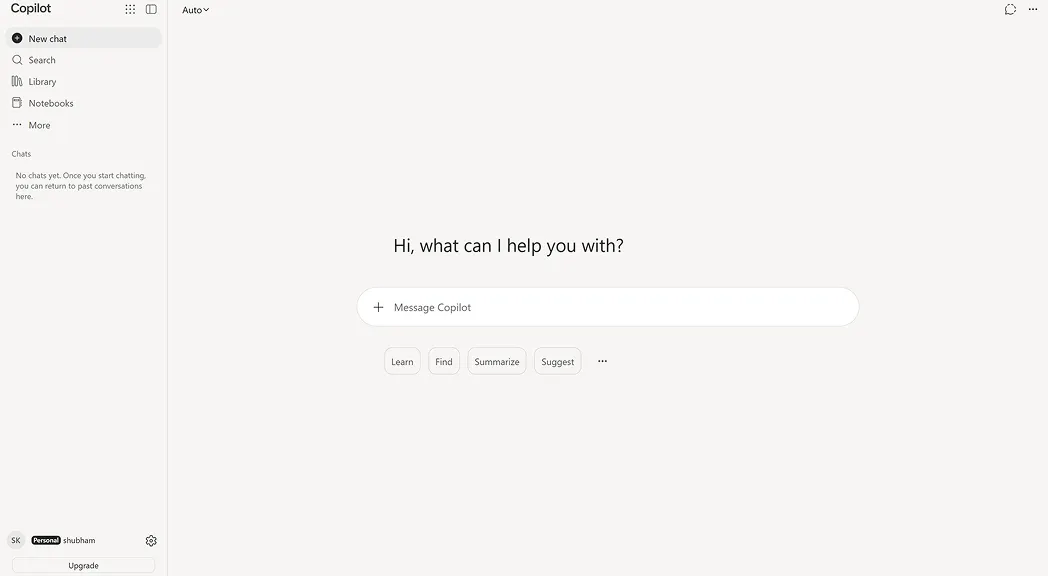
Website: https://copilot.microsoft.com/
Best for: Writing, everyday productivity, and working with Microsoft apps.
Microsoft Copilot is another general-purpose AI assistant and a natural Gemini alternative for people who use Microsoft products.
You can use its standalone assistant for questions, writing, research, and content creation.
With an eligible Microsoft 365 subscription, Copilot also works inside supported applications such as Word, Excel, PowerPoint, and Outlook.
For example, if you're preparing a report in Word, Copilot can help you write and revise content without moving everything into a separate AI chat.
Similarly, supported Excel and PowerPoint features can help with spreadsheet tasks and presentations.
Key Features
- General AI conversations and research.
- Writing and content creation.
- Image generation.
- Microsoft 365 integrations.
- Assistance inside Word, Excel, and PowerPoint.
- Outlook-related productivity features.
Pros
- Convenient for existing Microsoft 365 users.
- Can work directly inside familiar applications.
- Useful for personal and professional productivity.
- Offers free standalone AI assistance.
Cons
- The most useful application integrations require eligible subscriptions.
- Features and limits differ between plans and Microsoft apps.
Who Should Choose Microsoft Copilot?
Microsoft Copilot is particularly useful for people who regularly work in Word, Excel, PowerPoint, Outlook, and other Microsoft 365 applications. Its native integrations help users create content, work with documents, and complete tasks within tools they already use.
Luminary provides a separate, general-purpose AI experience for everyday questions, research, writing, document analysis, and file creation, without depending on the Microsoft ecosystem.
6. Grok: Best for Current Information and X-Connected Research
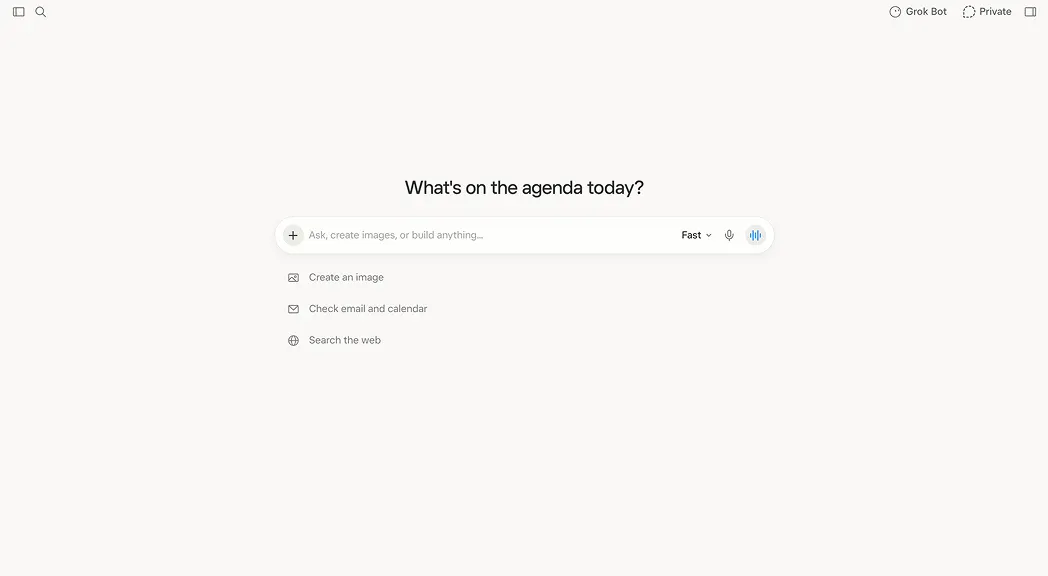
Website: https://grok.com/
Best for: AI conversations, current developments, research, and exploring information connected to X.
Grok is a general-purpose AI assistant developed by xAI.
It can help with writing, brainstorming, research, answering questions, analyzing files, and creating images or videos.
One reason people consider Grok is its connection to information from X, alongside web search.
For example, if you're researching a major technology announcement, Grok can help you investigate current information and public conversations around the event.
It also supports regular everyday AI tasks, including drafting content and exploring unfamiliar questions.
Key Features
- General-purpose AI conversations.
- Real-time web and X search.
- Writing and brainstorming.
- Document and file analysis.
- Voice interaction.
- Image and video generation.
Pros
- Supports both everyday questions and current-information research.
- Offers access to information from X.
- Includes creative and multimedia features.
- Free access is available.
Cons
- Posts from social platforms aren't always reliable sources.
- Certain advanced features and usage limits vary by account.
Who Should Choose Grok?
Grok is a good Gemini alternative for people who follow current events, technology news, and public conversations on X. Beyond real-time information, it supports everyday AI conversations, writing, research, and creative tasks.
Luminary also handles real-time research and everyday assistance, while bringing together source-backed answers, document analysis, writing, and content creation. Its structured responses and contextual multimedia offer another way to research and explore topics.
7. Mistral Vibe (Formerly Le Chat): Best for Connected Work and Coding
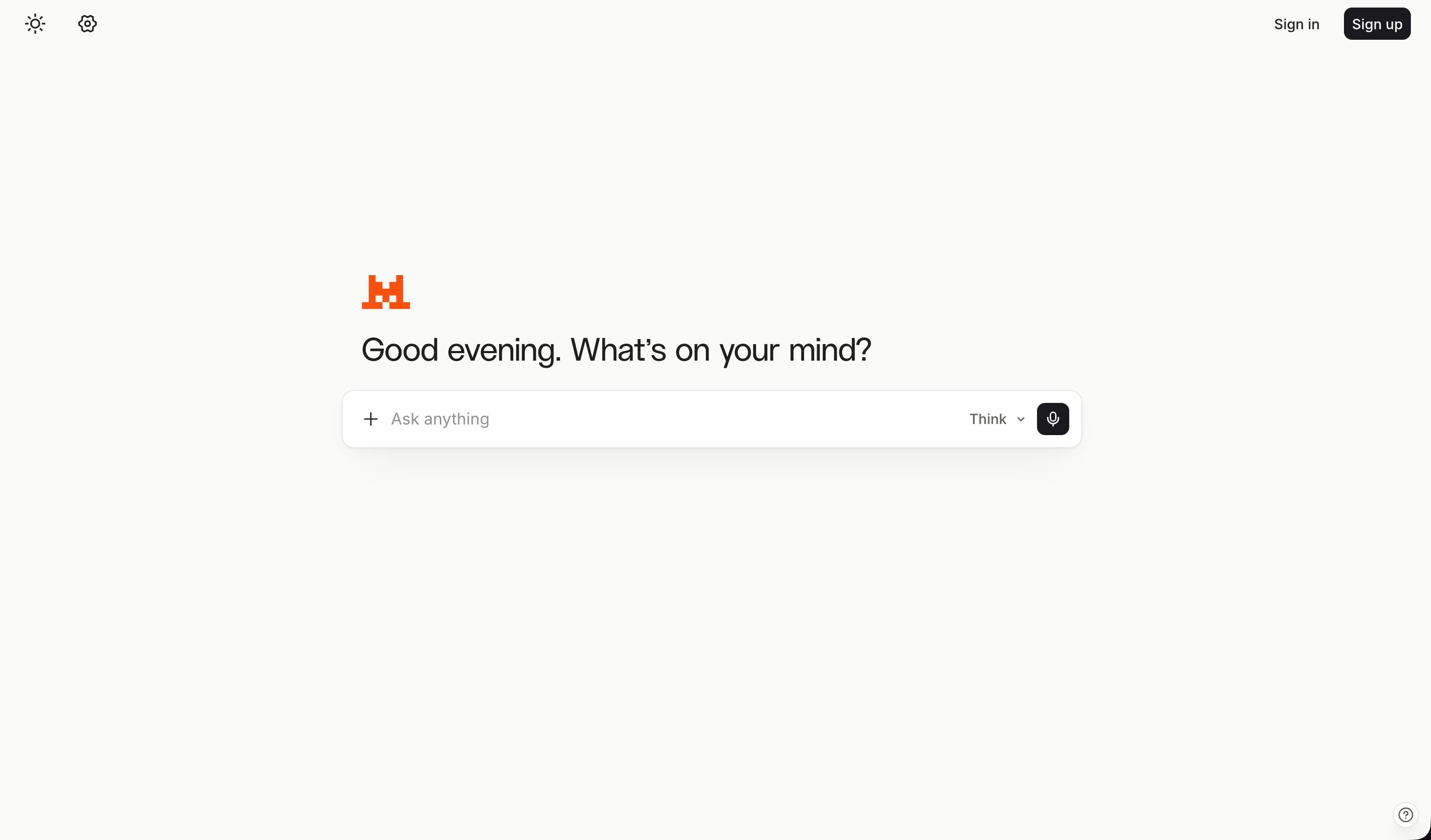
Website: https://chat.mistral.ai/
Best for: AI chat, web search, writing, document work, and coding-related tasks.
Mistral Vibe is Mistral AI's assistant and agent platform. It was previously known as Le Chat, and the product now brings together general-purpose assistance and more advanced work and coding features.
For everyday use, you can ask questions, search the web, write content, brainstorm ideas, and work with files.
It also offers connections to other applications and more advanced coding workflows.
For example, someone preparing a research report could use Vibe to investigate a topic, work with reference documents, and develop the written output.
A developer could use the same platform for coding tasks through its additional tools.
Key Features
- General-purpose AI conversations.
- Web search and research.
- Writing and content creation.
- Document uploads.
- Voice input.
- Connected tools and coding workflows.
Pros
- Provides an alternative general-purpose AI environment.
- Includes web search, documents, and writing tools.
- Supports connections to external applications.
- Has a free plan.
Cons
- Advanced work and coding features may be unnecessary for casual users.
- Advanced features and usage limits vary by account.
Who Should Choose Mistral Vibe?
Mistral Vibe is designed for people who want an AI assistant for everyday conversations, research, writing, document work, and coding. Its connected tools and development features also make it useful for people working on technical projects.
Luminary focuses on a complete general-purpose AI experience, combining real-time search, research, writing, document analysis, and file creation with rich, visual answers and interactive exploration.
 Luminary
Looking beyond Gemini? Start with Luminary.
Search, research, write, and work with documents in one place, with answers you can click into and explore.
Luminary vs Gemini: What's the Difference?
Both Luminary and Gemini are general-purpose AI platforms.
You can use either one to ask questions, research information, write content, analyze documents, and explore different subjects.
The more meaningful differences come down to integrations and how you interact with the information they provide.
| Capability | Luminary | Google Gemini |
|---|---|---|
| Everyday AI conversations | Yes | Yes |
| Real-time information and research | Yes | Yes |
| Writing and content creation | Yes | Yes |
| Document analysis | Yes | Yes |
| File creation | PDF, Word, Excel, and PowerPoint | Creates documents, PDFs, presentations, and spreadsheets directly, with additional Google app integrations |
| Images and videos | Contextual visuals within answers and analysis | Multimodal capabilities and creative generation tools |
| Clickable Concepts | Built into Luminary's answer experience | Different interaction model |
| Highlight & Analyze | Contextual analysis of selected information | Supports selection-based editing in Canvas and other analysis workflows |
| Interactive visualizations | Charts, 3D models, simulations, and maps in supported answers | Interactive 3D models and simulations in supported responses |
| Google app integrations | No equivalent native Gmail, Docs, or Drive integration | A core strength |
Choose Luminary if you want a general-purpose AI assistant that combines rich answers, research, document work, and direct interaction with information.
Choose Gemini if you regularly work inside Google's applications and want an assistant closely connected to those services.
The best way to compare them is to try the same tasks on both platforms and see which experience works better for you.
Which Gemini Alternative Should You Choose?
There's no need to switch from Gemini just because another assistant has more features on paper. Think about why you're looking for an alternative.
If you want a complete general-purpose assistant with real-time search, writing, document workflows, and interactive exploration, Luminary brings all these capabilities together in one platform, completely free to use.
If you need a flexible workspace for writing, coding, research, and creative tasks, consider ChatGPT.
For long documents and detailed writing, Claude is another option.
If you mostly research current information and want easy access to sources, look at Perplexity.
For native Microsoft 365 workflows, Copilot may be more convenient.
And if you're interested in X-connected information or Mistral's broader AI tools, Grok and Mistral Vibe are worth exploring.
The most useful test is to give two or three assistants the same real task and compare the results.
For example, upload the same document, ask the same research question, or try preparing the same report. Check how clear the answers are, whether sources are useful, and how much work you still need to do afterward.
That will give you a better idea of which assistant actually fits your needs.
Conclusion
Google Gemini is a capable AI assistant, but alternatives like ChatGPT, Claude, Perplexity, Microsoft Copilot, Grok, and Mistral Vibe offer different strengths for research, writing, coding, and everyday tasks.
Luminary brings everyday AI assistance, real-time search, research, writing, document analysis, and content creation into one platform. Its rich answers, contextual visuals, and interactive features make it easier to explore information and get things done.
Explore Luminary to search, research, write, and create in one place.
Frequently Asked Questions
Luminary, ChatGPT, Claude, Perplexity, and Microsoft Copilot are all worth considering. Luminary is a good choice for general-purpose AI assistance, real-time research, document analysis, writing, and interactive exploration. The best option depends on your needs and the applications you use.
Yes. Luminary is completely free to use, offering AI search, research, writing, document analysis, content creation, and interactive exploration. ChatGPT, Claude, Perplexity, Microsoft Copilot, Grok, and Mistral Vibe also offer free access, although their available features and usage limits may differ.
No AI assistant is better for every task. ChatGPT, Claude, Perplexity, Luminary, and other alternatives have different interfaces, tools, and integrations. Gemini may be the more convenient choice for Google-connected workflows, while another platform may better suit your research, writing, or document needs.
Both are capable general-purpose assistants. ChatGPT offers broad writing, research, coding, and productivity workflows, while Gemini has close connections with Google services. The better choice depends on the tasks you do most often and which tools you already use.
Luminary, Perplexity, ChatGPT, and Claude can all help with research. Luminary combines search, sources, documents, and interactive exploration. Perplexity emphasizes source-backed web research. ChatGPT and Claude also support more detailed research and analysis.
Yes. Luminary, ChatGPT, Claude, Perplexity, Grok, and Mistral Vibe can be used independently of Google's productivity applications. Some may offer optional connections to external services.
ChatGPT, Claude, Luminary, and Microsoft Copilot can all help with writing. You can use them to create drafts, improve existing content, brainstorm ideas, and organize information. Try the same writing task in different assistants to see which gives you the most useful result.
Luminary can be used instead of Gemini for many general-purpose tasks, including everyday questions, real-time search, research, writing, document analysis, and content creation.
However, Luminary does not replace Gemini's native connections to Gmail, Google Docs, Drive, and other Google products. If those integrations are central to your work, Gemini may still be useful.
Most major AI platforms provide privacy settings and security information, but their policies and controls differ. Read the relevant privacy terms before sharing sensitive files or connecting personal accounts. AI-generated answers may also contain mistakes, so verify important facts and decisions.
LuminaryThere’s always more to discover.
Start with anything. Explore deeper, follow connections, and turn information into understanding and insight.
Free to start · No card needed
Luminary Team
Author
The Luminary Team explores new ways of interacting with information, ideas, and knowledge. Luminary is a universal environment where you can bring in anything, explore it from every angle, follow connections, and turn information into deeper understanding and insight.
LuminaryStart with anything. Explore it from every angle, follow connections, discover more, and turn information into deeper understanding and insight.
- Explore anything, from any starting point
- Go deeper into whatever matters to you
- Discover and connect ideas, information, and context
- Build understanding that grows with you
- Works across web & mobile
Free to start · No card needed