
7 Best Grok Alternatives for AI Chat & Research

Luminary is a general-purpose AI platform and Grok alternative for everyday conversations, real-time search, research, writing, document analysis, and content creation. It also supports PDF, Word, Excel, and PowerPoint creation, along with rich answers featuring relevant images, videos, sources, and interactive tools for exploring information.
Other Grok alternatives worth considering include:
- ChatGPT: Best for everyday AI assistance, writing, coding, and versatile productivity tasks.
- Perplexity: Best for researching current information, checking sources, and comparing findings.
- Claude: Best for detailed writing, coding, document analysis, and complex work.
- Google Gemini: Best for AI assistance connected to Google apps and services.
- DeepSeek: Best for technical questions, reasoning, and coding.
- Mistral Vibe: Best for general AI chat, connected work, and coding agents.
If you mainly use Grok to follow conversations on X, its direct integration remains an advantage. If you use it for research, writing, documents, or everyday tasks, these alternatives are worth comparing.
Grok is useful for following current events, exploring conversations on X, writing content, researching topics, and handling everyday questions. It also supports coding, document analysis, voice conversations, and image and video generation.
But depending on what you need, another AI assistant might fit your workflow better.
For example, you might want a different way to research information, an assistant that works with your documents, or tools that help turn your ideas into finished reports and presentations. The good news is that several Grok alternatives offer these capabilities, each with different strengths.
In this guide, we'll compare seven of the best Grok alternatives, including their features, practical uses, strengths, and limitations, to help you choose an assistant that fits your needs.
Why Look for a Grok Alternative?
Grok has grown beyond a chatbot for X. It can research information, write content, analyze files, help with coding, and generate images and videos.
Still, there are several reasons to explore an alternative.
- You want a different research experience. Some AI assistants focus on finding and citing information, while others help you investigate individual claims, compare sources, and explore a subject in more depth.
- You regularly work with documents. If your day involves reading reports, summarizing PDFs, preparing presentations, or analyzing spreadsheets, you may prefer an assistant with workflows built around those tasks.
- You need specific productivity tools. Different assistants offer integrations with workplace applications, coding environments, calendars, and other services.
- You prefer another interface or approach. Even when two AI assistants support similar tasks, the way they present information and handle follow-up requests can make one more useful for you.
- You want to compare free Grok alternatives. Grok itself offers free access with limits, but other platforms have different free features, usage allowances, and capabilities.
That doesn't mean you need to stop using Grok. If you rely on its direct access to X posts and conversations, another assistant may not provide an equivalent experience.
The better approach is to identify which tasks matter most to you and compare tools based on those needs.
How We Evaluated These Grok Alternatives
We reviewed the published features and documentation of each platform, focusing on five areas:
- Everyday usefulness: Does the assistant handle common questions, conversations, planning, writing, and brainstorming?
- Search and research: Can it find current information, provide sources, and help users investigate topics?
- Writing and documents: Can it analyze files, improve content, and create useful outputs?
- Additional capabilities: Does it support coding, voice, visual content, integrations, or more involved workflows?
- Ease of use: Can users complete ordinary tasks without complicated setup?
We also considered the strengths that distinguish each assistant from Grok and from the other alternatives.
7 Best Grok Alternatives for AI Chat and Research
1. Luminary: Best for General-Purpose AI Assistance, Research, and Creation
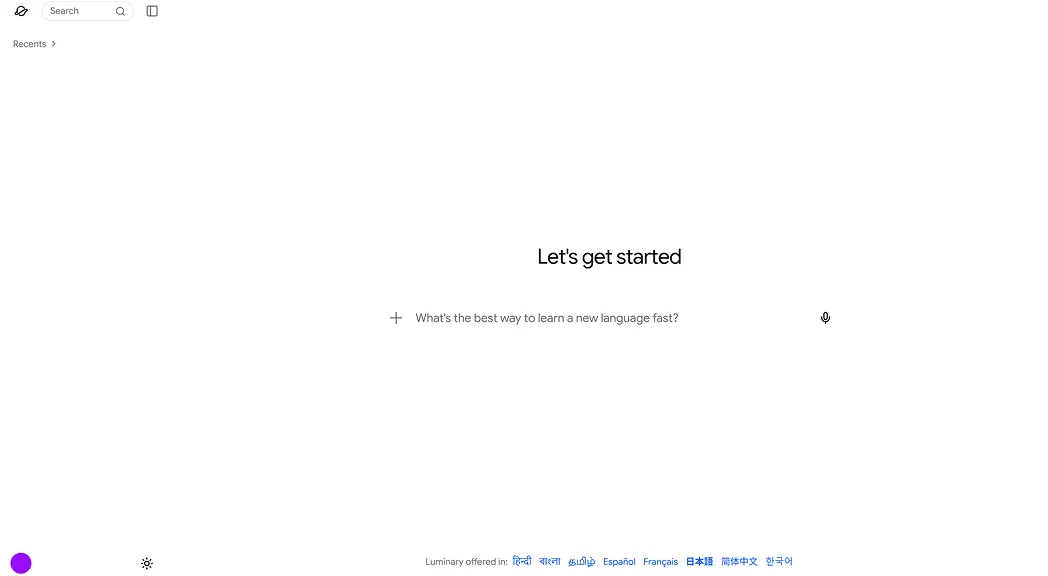
Best for: Everyday AI conversations, real-time search, research, writing, document analysis, content creation, and interactive exploration.
Website: https://www.useluminary.ai/
Luminary is a general-purpose AI platform that helps users find information, research topics, write content, brainstorm ideas, work with documents, and create useful files.
You can use it for everyday questions, such as comparing two products or planning a trip, or for more involved tasks like investigating a topic, reviewing documents, and preparing a report.
What makes Luminary's experience different is how it presents information and lets you interact with the results.
Instead of relying only on text-heavy responses, Luminary organizes answers into sections, comparison tables, timelines, steps, and other formats that fit the question. Relevant images, videos, and supporting sources appear alongside the information when useful.
You can also explore individual concepts and passages directly, without having to repeatedly start new searches.
How Luminary Works for Everyday Research
Imagine you're planning to buy an electric vehicle and want to understand which model fits your budget and daily commute.
You can start by asking Luminary to compare available options based on price, driving range, charging requirements, safety features, and running costs.
The answer can bring together relevant information, comparisons, and sources so you can review the differences.
If you come across an unfamiliar term, such as regenerative braking, you can click the concept to explore what it means. You can also highlight a passage and use Highlight & Analyze to investigate it with additional explanations, relevant visuals, and supporting information.
As your research continues, you can upload product specifications, ask questions about the documents, and organize your findings into a report or comparison spreadsheet.
This is one example of how Luminary combines research with broader AI assistance and content creation.
The same platform can help you draft emails, research current events, brainstorm ideas, analyze reports, and create presentations.
Key Features
- Real-time search and research: Find current information, investigate topics, and examine supporting sources.
- Rich answers: Get information organized into useful formats, including comparisons, timelines, steps, and contextual images or videos.
- Writing and brainstorming: Draft articles, emails, reports, ideas, and other content.
- File creation: Generate PDF, Word, Excel, and PowerPoint files.
- Document analysis: Upload documents, ask questions, and examine specific passages while working with the original material.
- Clickable Concepts: Explore unfamiliar terms directly within an answer.
- Highlight & Analyze: Select text to investigate it with additional context, explanations, sources, and visuals.
- Interactive visuals: Explore charts, maps, 3D models, and simulations when relevant.
- Conversation threads: Follow related discussions without losing the original conversation.
- Concept maps: Explore connections between ideas through interactive 2D or 3D maps.
Pros
- Handles a broad range of personal and professional AI tasks.
- Combines search, research, writing, document analysis, and file creation.
- Presents complex information in readable formats with relevant visuals.
- Makes it easier to investigate specific information and follow related ideas.
Cons
- Doesn't offer the same native X integration as Grok for following posts and conversations.
Who Should Choose Luminary?
Luminary is designed for people who want one AI assistant for everyday questions, research, writing, documents, and content creation.
Its structured answers and interactive features are particularly useful when a task involves more than receiving a short response. You can investigate sources, explore unfamiliar concepts, work with documents, and turn information into something useful.
Luminary is currently completely free to use, including its core search, research, writing, document, and interactive capabilities.
2. ChatGPT: Best for Everyday AI Tasks, Writing, and Coding
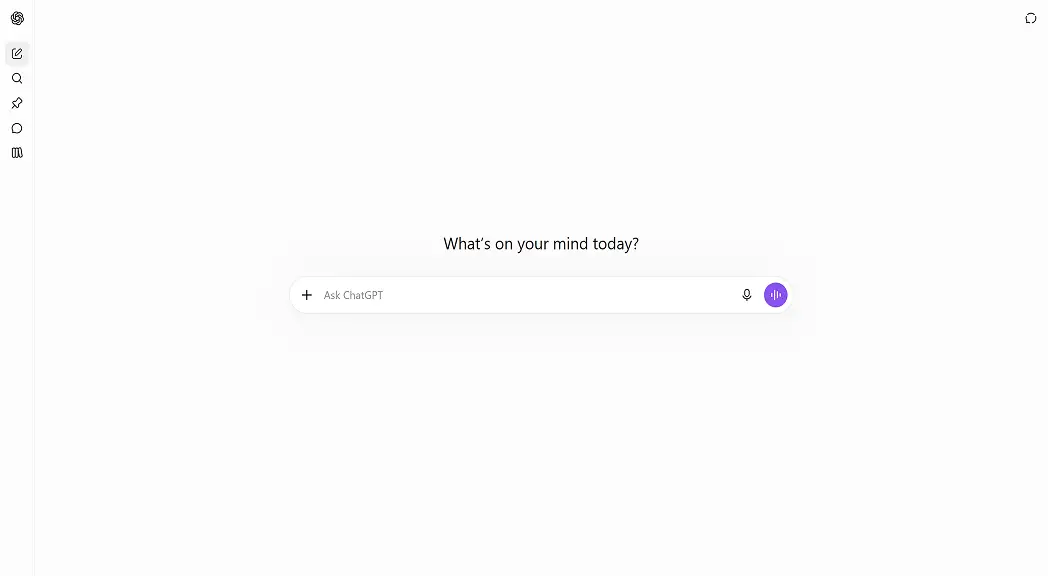
Best for: Everyday conversations, writing, brainstorming, research, coding, data analysis, and creative tasks.
Website: https://chatgpt.com/
ChatGPT is OpenAI's general-purpose AI assistant. It can help with everyday questions, research, writing, coding, document analysis, and content creation.
Its main appeal is the variety of tasks it can handle through one conversational interface. For example, imagine you're preparing for a job interview.
You could ask ChatGPT to research the company, explain the responsibilities of the role, prepare common interview questions, and practice a mock interview.
If you want to improve your answers, you can continue the conversation and ask for specific feedback.
For professional tasks, ChatGPT also supports more advanced research, coding, spreadsheet analysis, file creation, and connections to external tools. Voice conversations and image generation add further ways to interact with the platform.
Key Features
- Writing, editing, and brainstorming.
- Web search and deeper research.
- Document and data analysis.
- Coding and technical assistance.
- Voice conversations and image generation.
- Projects, memory, and connected applications.
Pros
- Covers many personal and professional tasks.
- Supports writing, coding, research, and creative work.
- Offers tools for working with files and structured data.
- Supports connected workflows and different ways to interact.
Cons
- Some features have account-specific limits or require paid access.
- Users still need to verify important answers, calculations, and generated outputs.
Who Should Choose ChatGPT?
ChatGPT is a good Grok alternative if you want a flexible assistant for writing, coding, research, planning, and everyday productivity. Its combination of general-purpose assistance and additional tools makes it relevant to both casual users and people working on technical or professional projects.
For more options, explore our guide to the best alternatives to ChatGPT.
3. Perplexity: Best for Web Research and Checking Sources
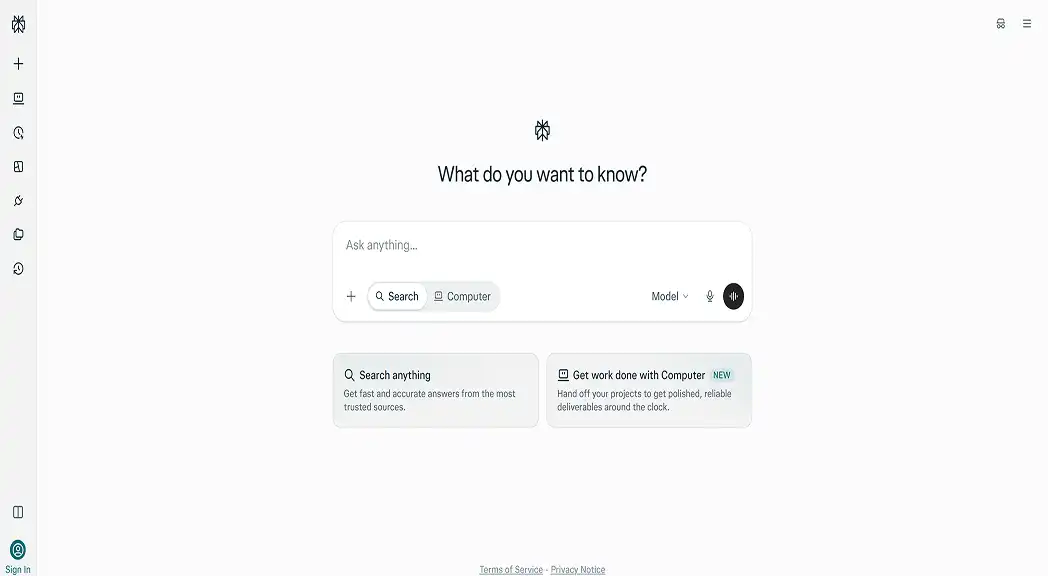
Best for: Researching current information, investigating topics, comparing sources, and finding answers online.
Website: https://www.perplexity.ai/
Perplexity is an AI search and research platform that helps users find information from the web. You can ask a question and receive a summarized answer with supporting links, making it convenient to investigate where information came from.
For example, suppose you're researching a major technology announcement. You might want to understand what was announced, how the product compares with existing alternatives, and whether the company's claims are supported by independent reporting.
Perplexity can help gather information from multiple websites, organize the findings, and answer follow-up questions. It also supports more involved research, document uploads, and content workflows through its broader features.
The main reason to consider Perplexity is its source-focused research experience.
Key Features
- Real-time web search and source-backed answers.
- Follow-up research and source discovery.
- Pro Search for more detailed questions.
- Deeper research capabilities.
- File uploads and document analysis.
- Content and file workflows on supported plans.
Pros
- Useful for finding current information.
- Makes supporting sources easy to inspect.
- Helps organize findings from multiple websites.
- Supports quick questions and more detailed research.
Cons
- A citation doesn't guarantee the source is accurate or reliable.
- More advanced capabilities and higher usage limits depend on account access.
Who Should Choose Perplexity?
Perplexity is a relevant alternative to Grok if your main reason for using AI is researching topics, following current information, and checking sources. It also works well for product comparisons, market research, and questions that require information from several websites.
4. Claude: Best for Writing and Document Analysis
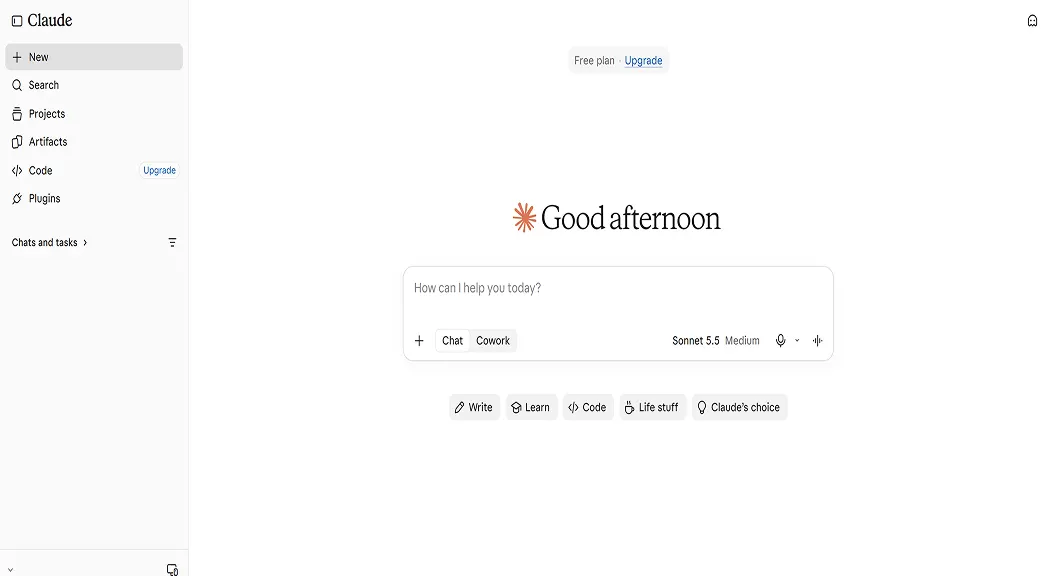
Best for: Detailed writing, editing, document analysis, coding, research, and complex projects.
Website: https://claude.ai/
Claude, developed by Anthropic, is another general-purpose AI assistant that handles everyday questions, writing, coding, research, and document-based work. It's particularly relevant when you need to review a large amount of information or develop something through several rounds of feedback.
For example, suppose you're working with a lengthy business report. You could upload the document, ask Claude to identify the main findings, compare sections, and help prepare a shorter version for your team.
You can then ask follow-up questions, improve the wording, or turn the findings into a presentation.
Claude also offers web research, Projects, coding tools, and file creation. It can generate downloadable Word documents, Excel spreadsheets, PowerPoint presentations, and PDFs through supported workflows.
Key Features
- Writing, rewriting, and editing.
- Long-document analysis and summarization.
- Web search and research.
- Coding and technical assistance.
- Word, Excel, PowerPoint, and PDF creation.
- Projects and connected tools.
Pros
- Useful for writing and working with detailed information.
- Supports document analysis and file creation.
- Handles coding and technical tasks.
- Helps users develop work through multiple conversations.
Cons
- Some features and usage limits vary by account.
Who Should Choose Claude?
Claude is a good Grok alternative for people who frequently work with long documents, detailed writing, coding projects, and information that needs careful analysis. If you regularly turn research or source materials into reports, presentations, or other documents, Claude's file tools are also relevant.
5. Google Gemini: Best for Google Apps and Multimodal AI
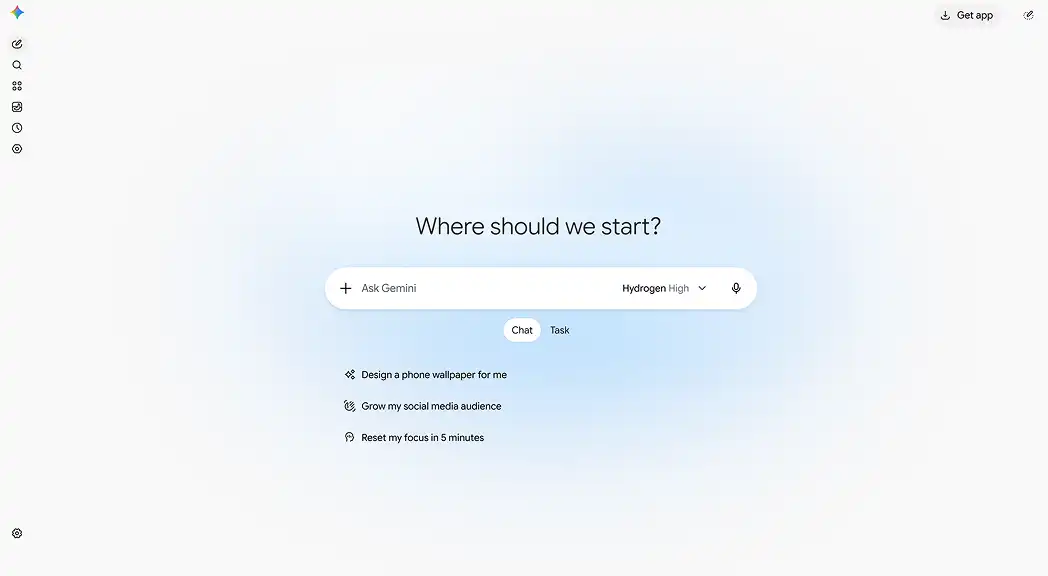
Best for: Everyday assistance, writing, research, document creation, and working with Google services.
Website: https://gemini.google.com/
Google Gemini is a general-purpose AI assistant that supports everyday questions, writing, coding, research, document analysis, and content creation. One of its most useful advantages is its connection with Google's ecosystem.
If you use Gmail, Google Drive, Docs, Calendar, and other Google products, Gemini's supported integrations can help you work with information already stored in those services.
For example, imagine you're planning a project using documents in Google Drive. You could use Gemini to review available information, research additional details, draft a project summary, and prepare a document based on your findings.
Gemini also offers Deep Research, multimodal capabilities, and tools for creating and editing files. Supported formats include documents, spreadsheets, presentations, and PDFs, with additional options for working inside Google applications.
Key Features
- General-purpose AI conversations and writing.
- Web research and Deep Research.
- Integrations with supported Google services.
- Document and image analysis.
- File creation and editing.
- Voice and multimodal interactions.
Pros
- Convenient for people using Google Workspace.
- Supports research, writing, and file creation.
- Offers multimodal interactions and creative tools.
- Can work with information across supported Google services.
Cons
- Some integrations and capabilities depend on account access and the Google service involved.
- Its Google integrations may offer less value to users who work primarily outside that ecosystem.
Who Should Choose Google Gemini?
Gemini is a natural Grok alternative if you use Google's services regularly and want AI assistance connected to your existing applications. It's also relevant for general research, writing, document work, and creative tasks, even if you don't rely heavily on Google Workspace.
6. DeepSeek: Best for AI Reasoning and Technical Tasks
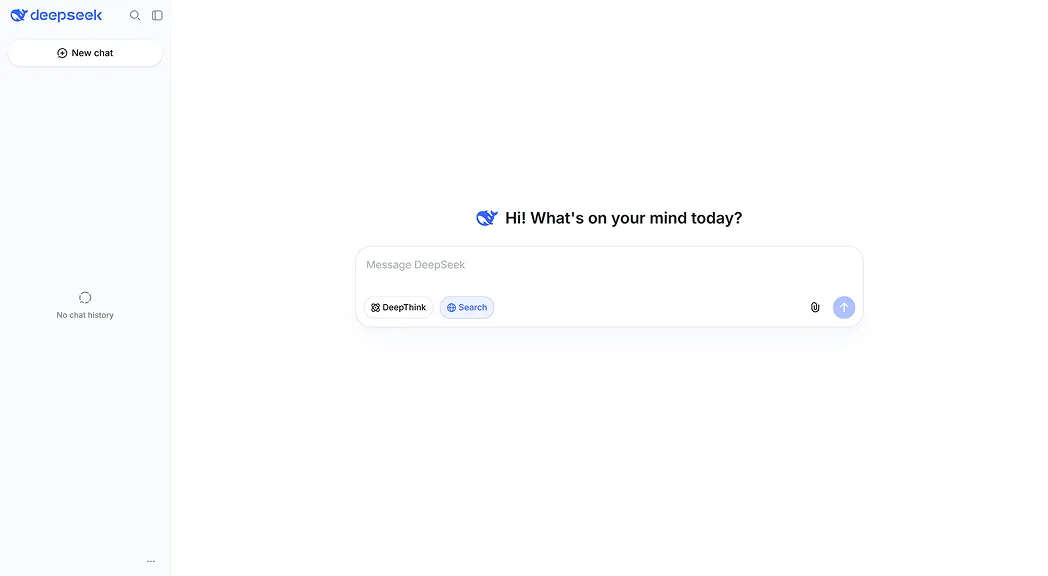
Best for: Reasoning, coding, technical explanations, research, and everyday AI conversations.
Website: https://chat.deepseek.com/
DeepSeek is an AI assistant that supports general conversations, technical problem-solving, writing, coding, and research. It's a useful option when you want to work through a problem or understand the reasoning behind an answer.
For example, suppose you're learning Python and have written a script that doesn't work as expected.
You could share the code, ask DeepSeek to identify possible errors, explain the underlying concepts, and suggest changes.
You can then ask it to walk through the solution step by step.
DeepSeek also supports everyday tasks such as answering questions, explaining unfamiliar topics, summarizing information, and helping with written content. Its current app capabilities include web search, URL reading, and file input alongside reasoning features.
Key Features
- General-purpose AI conversations.
- Deep Thinking for complex reasoning.
- Coding and technical explanations.
- Web search and research.
- File uploads and document analysis.
- URL reading and information extraction.
Pros
- Useful for technical questions and coding.
- Supports reasoning-focused workflows.
- Includes web search and document input.
- Can also handle general writing and everyday questions.
Cons
- Generated code, technical explanations, and calculations require verification.
- Users who need integrations with specific workplace systems should check the available connections.
Who Should Choose DeepSeek?
DeepSeek is relevant for people who frequently work with coding, technical questions, reasoning, and problem-solving. If you're comparing it with Grok, focus on how each assistant approaches your actual tasks, rather than assuming one is consistently better at reasoning or coding.
7. Mistral Vibe: Best for Connected Work and Coding
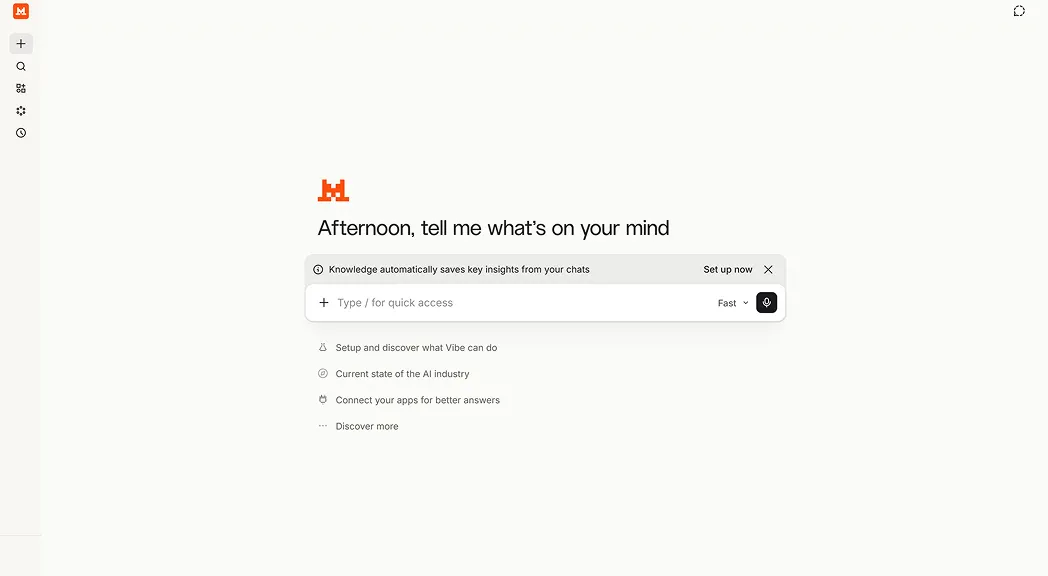
Best for: Everyday AI assistance, research, writing, connected work, and coding agents.
Website: https://chat.mistral.ai/
Mistral Vibe is Mistral AI's unified assistant for general conversations, professional productivity, and coding. Previously known as Le Chat, the platform now brings together different ways of working with AI.
Its conversational experience supports everyday questions, research, writing, and document work. For more involved tasks, Vibe offers work-focused capabilities for completing processes across connected tools. Developers can also use its dedicated coding environment.
For example, someone preparing a weekly project update could use Vibe to review connected information, gather relevant details, and prepare a summary.
A developer could use its coding tools to work on a project, review code, or handle more involved development tasks.
Mistral Vibe combines everyday conversations and more involved productivity tasks in a unified Work experience, while its separate Code mode supports software development.
Key Features
- General-purpose AI conversations and writing.
- Web search and research.
- Document-related tasks.
- Connected productivity workflows.
- Coding agents and development tools.
- Voice input and external integrations.
Pros
- Combines everyday AI assistance with professional workflows.
- Supports research, writing, and connected applications.
- Offers dedicated coding capabilities.
- Provides multiple ways to work depending on the task.
Cons
- Advanced agents and coding capabilities may require paid access.
- Some professional features may be unnecessary for users who mainly need everyday questions or writing assistance.
Who Should Choose Mistral Vibe?
Mistral Vibe is a relevant Grok alternative for users who want an assistant that can support everyday conversations as well as connected professional work. Its coding capabilities also make it worth exploring for developers and technical teams.
 Luminary
Reading about AI study tools? Try the one actually built for students.
Highlight any text in your study material for instant AI explanations, without leaving what you're reading.
Grok vs Other AI Assistants: What Actually Matters?
Most modern AI assistants overlap in their core capabilities. Grok, ChatGPT, Claude, Gemini, and several other alternatives can answer questions, write content, research information, and work with documents.
Instead of comparing every feature individually, it helps to look at what you're trying to accomplish.
| Your Main Need | Relevant Options | What to Compare |
|---|---|---|
| Follow current discussions on X | Grok | Access to X posts, conversations, and recent activity |
| Research current information | Luminary, Perplexity, ChatGPT, Gemini | Source quality, recency, answer clarity, research workflows |
| Everyday questions and writing | Luminary, ChatGPT, Claude, Gemini | Writing quality, usability, supported formats |
| Analyze documents and create files | Luminary, Claude, ChatGPT, Gemini | File handling, document analysis, output formats |
| Explore information interactively | Luminary, Gemini, ChatGPT | Contextual tools, visual experiences, follow-up workflows |
| Coding and technical tasks | ChatGPT, Claude, DeepSeek, Mistral Vibe | Development tools, integrations, reasoning, code verification |
| Work inside connected apps | Gemini, ChatGPT, Mistral Vibe | Native integrations, available actions, account requirements |
| Generate images and videos | Grok, Gemini, ChatGPT, specialized creative tools | Creative controls, output quality, format support, usage limits |
One difference worth remembering is that real-time web search and direct access to X aren't the same thing.
Other assistants can find recent information from websites and publicly accessible sources. Grok has additional X-related capabilities that may be useful if you're following conversations happening on that platform.
Similarly, document analysis is widely available, but not all assistants handle uploaded files, source inspection, and output creation in the same way. The best way to decide is to compare the tasks you actually perform.
Which Grok Alternative Should You Choose?
There's no single Grok alternative that's best for everyone.
- Choose Luminary if you want a general-purpose AI assistant for everyday questions, research, writing, document analysis, and file creation. Its structured answers and interactive tools also help when you need to explore information in greater depth.
- Choose ChatGPT if you need a broad assistant for everyday productivity, coding, writing, research, and creative work.
- Choose Perplexity if your main priority is finding current information, examining sources, and researching topics online.
- Choose Claude if you spend a lot of time writing, analyzing documents, coding, or developing detailed projects.
- Choose Google Gemini if you already use Google services and want AI connected to your existing apps.
- Choose DeepSeek if you frequently work through technical problems, coding questions, or reasoning tasks.
- Choose Mistral Vibe if you want AI conversations alongside connected work tools and dedicated coding agents.
You can also use more than one assistant. For example, someone might use Grok to follow conversations on X and a different platform to analyze reports or prepare documents. What matters is choosing tools that fit your actual work.
How to Compare Grok Alternatives Before Choosing
A long list of features doesn't always tell you how useful an AI assistant will be. Try giving two or three assistants the same real task and comparing the results.
Test 1: Research a Current Topic
Choose something that requires recent information.
Try this prompt:
"Research the latest developments in electric vehicle battery technology. Explain the important changes, compare different approaches, and include reliable sources."
When comparing responses, check whether the assistant provides current information, explains the important differences, and makes its sources easy to verify.
Test 2: Analyze a Document
Upload a PDF, report, or other document you already need to review.
Try this prompt:
"Summarize this document in plain language. Identify the five most important findings, explain anything that needs attention, and show which sections support the summary."
Check whether the assistant accurately represents the original material and makes it easy to investigate specific sections.
Test 3: Create Something From the Findings
Once you have useful information, see how easily you can turn it into a finished output.
Try this prompt:
"Turn these findings into a two-page report with a summary, key observations, supporting sources, and practical recommendations. Create a downloadable Word document if supported."
Look at the quality of the final output, whether important information is preserved, and how much editing you need to do afterward.
These three tests help you compare research, document analysis, and content creation without relying only on product descriptions.
Conclusion
Grok is a capable AI assistant, especially for people who follow current developments and conversations on X. But ChatGPT, Perplexity, Claude, Gemini, DeepSeek, and Mistral Vibe offer different strengths for writing, research, coding, document work, and everyday assistance.
Luminary brings everyday AI assistance, real-time search, research, writing, document analysis, and content creation into one platform. Its rich answers, supporting sources, contextual visuals, and interactive features also give users different ways to explore and work with information.
Ready to see what Luminary can do? Try Luminary for free to research topics, write content, analyze documents, and create files, all in one place.
Frequently Asked Questions
Luminary, ChatGPT, Perplexity, Claude, Gemini, DeepSeek, and Mistral Vibe are all relevant Grok alternatives. Luminary offers general-purpose AI assistance, real-time search, research, writing, document analysis, and file creation, along with interactive ways to explore information. Other assistants have different strengths in coding, connected applications, and specialized workflows. The best choice depends on what you use Grok for.
Yes. Luminary is currently completely free to use for AI conversations, research, writing, document analysis, file creation, and interactive exploration. DeepSeek also offers free AI chat, while ChatGPT, Perplexity, Claude, Gemini, and Mistral Vibe provide free access with different feature limits. Grok itself also offers free access with usage limits.
Luminary, Perplexity, ChatGPT, Claude, and Gemini all support research. Perplexity emphasizes web research and visible sources. ChatGPT, Claude, and Gemini offer research alongside broader AI capabilities. Luminary combines real-time search and source-backed research with writing, document analysis, file creation, and contextual exploration.
ChatGPT, Claude, Gemini, and Luminary all support writing, document analysis, and file-related tasks. Claude is relevant for detailed writing and document-heavy projects. Gemini offers document creation with Google integrations, while ChatGPT supports writing, analysis, and broader productivity workflows. Luminary combines writing, document analysis, and research with PDF, Word, Excel, and PowerPoint creation.
Luminary can handle many of the tasks people use Grok for, including everyday questions, real-time research, writing, brainstorming, document analysis, and content creation. It also supports downloadable file creation and interactive exploration. However, it doesn't offer the same native X integration, so users who depend on following posts and conversations directly through Grok may want to keep using it for that purpose.
LuminaryThere’s always more to discover.
Start with anything. Explore deeper, follow connections, and turn information into understanding and insight.
Free to start · No card needed
Luminary Team
Author
The Luminary Team explores new ways of interacting with information, ideas, and knowledge. Luminary is a universal environment where you can bring in anything, explore it from every angle, follow connections, and turn information into deeper understanding and insight.
LuminaryStart with anything. Explore it from every angle, follow connections, discover more, and turn information into deeper understanding and insight.
- Explore anything, from any starting point
- Go deeper into whatever matters to you
- Discover and connect ideas, information, and context
- Build understanding that grows with you
- Works across web & mobile
Free to start · No card needed