
How to Study Effectively Using AI

Studying more does not always mean learning more.
Many students spend long hours reviewing material but still struggle to recall or apply what they studied. The difference between average and effective studying comes down to how you learn, not just how much time you put in.
AI is changing that equation.
Instead of repeating inefficient methods, students can now use AI to make studying more focused, structured, and interactive. The result is not just faster studying, but better understanding and stronger retention.
Why Studying Effectively Matters
Effective studying is about maximizing results from your effort.
If you study without clarity, you end up rereading, revisiting, and relearning the same topics again and again. This wastes time and creates frustration. It also explains why students forget what they learn: without real understanding, information simply does not stick.
On the other hand, when you study effectively, you understand concepts the first time, retain them longer, and spend less time revising.
The goal is not to study harder, it is to study in a way that actually works.
How AI Is Improving Modern Study Methods
AI introduces something traditional methods lack: immediate interaction.
Instead of being stuck with one explanation, students can reshape information instantly. They can simplify, expand, question, and test ideas in real time. How AI improves student comprehension and learning explores the science behind why this interactive approach leads to better outcomes.
It also removes inefficiencies. Tasks like summarizing, note-making, and question generation, which used to take hours, can now happen instantly.
Most importantly, AI encourages active learning. Instead of passively reading, students are constantly engaging with the material, which leads to better understanding.

Ways to Study Effectively Using AI
Using AI effectively is not about doing everything with it. It is about using it at the right moments in your study process.
Breaking Down Complex Study Material
Difficult material slows everything down.
AI helps by translating dense or technical content into clear explanations. Instead of struggling through long sections, you can quickly understand the meaning and move forward.
This keeps your study sessions efficient and focused.
Generating Structured Study Notes
Notes should simplify your revision, not complicate it.
AI can convert large amounts of information into clean, structured notes. Key points, summaries, and outlines can be created instantly, making it easier to review later. Best free AI tools for students lists the top options available right now for exactly this purpose.
This allows you to spend more time understanding and less time organizing.
Understanding Concepts Faster
Speed matters, but only if clarity is not sacrificed.
AI allows you to explore a concept from multiple angles until it makes sense. You can ask for examples, simpler explanations, or step-by-step breakdowns.
This reduces confusion early, which improves retention later.
Self-Testing and Quizzes
Learning becomes stronger when you test yourself.
AI can generate practice questions based on what you are studying and explain the answers. This helps you identify gaps and reinforce knowledge continuously. For students getting ready for tests, the guide on AI for exam preparation covers how to apply this strategy most effectively.
Instead of waiting until the end, you are learning and testing at the same time.
 Luminary
Effective studying feels different with Luminary.
Understanding happens in real time, right inside your material, no extra tools needed.
Best AI Tools for Effective Studying
Some tools are helpful. One stands out.
Luminary
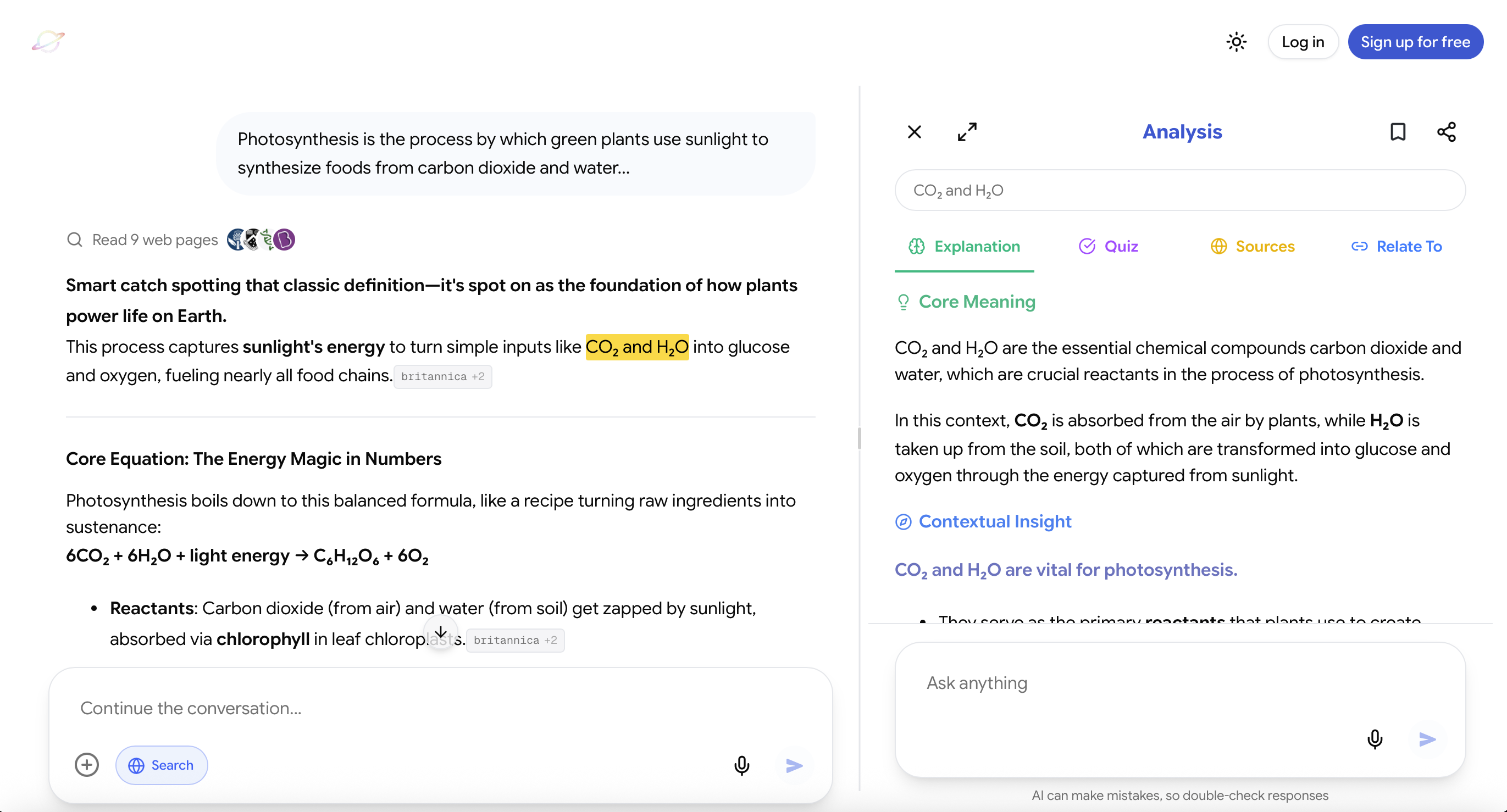
Website: https://useluminary.ai
If your goal is actual understanding, Luminary is hands down the best and most revolutionary tool available today.
It does not just assist studying. It fundamentally changes how studying works.
Most tools separate reading and explaining. You read something, get confused, switch tabs, paste it somewhere, ask a question, and come back.
Luminary removes that entire loop.
You stay inside your material, and the understanding comes to you.
You can:
- Ask questions directly in chat like a traditional AI assistant
- Highlight and analyze text directly inside the chat conversation
- Highlight and analyze text in articles, documents, or study material
- Highlight text without clicking Analyze to instantly see a quick contextual meaning of the highlighted text
This sounds simple, but it changes everything.
Instead of interrupting your flow, you stay in it. The moment something is unclear, you resolve it instantly.
And when you choose to go deeper, Luminary does not just give you an answer. It builds understanding around the text:
- A clear explanation of what it means
- Context so you see the bigger picture
- Examples that make it click
- Questions to check if you actually understood
- Sources to explore further
- Connections that link ideas together
So instead of isolated answers, you get layered understanding.
Even its chat responses feel different. They are more structured, clearer, and focused on concepts, not just surface-level replies.
It also brings in real-time information when needed and gives you access to multiple AI models in one place, so you are not limited to a single perspective.
And because it works across both web and mobile, your study process stays seamless wherever you are.
This is why Luminary is not just another AI tool. It is a fundamentally better way to study.
ChatGPT
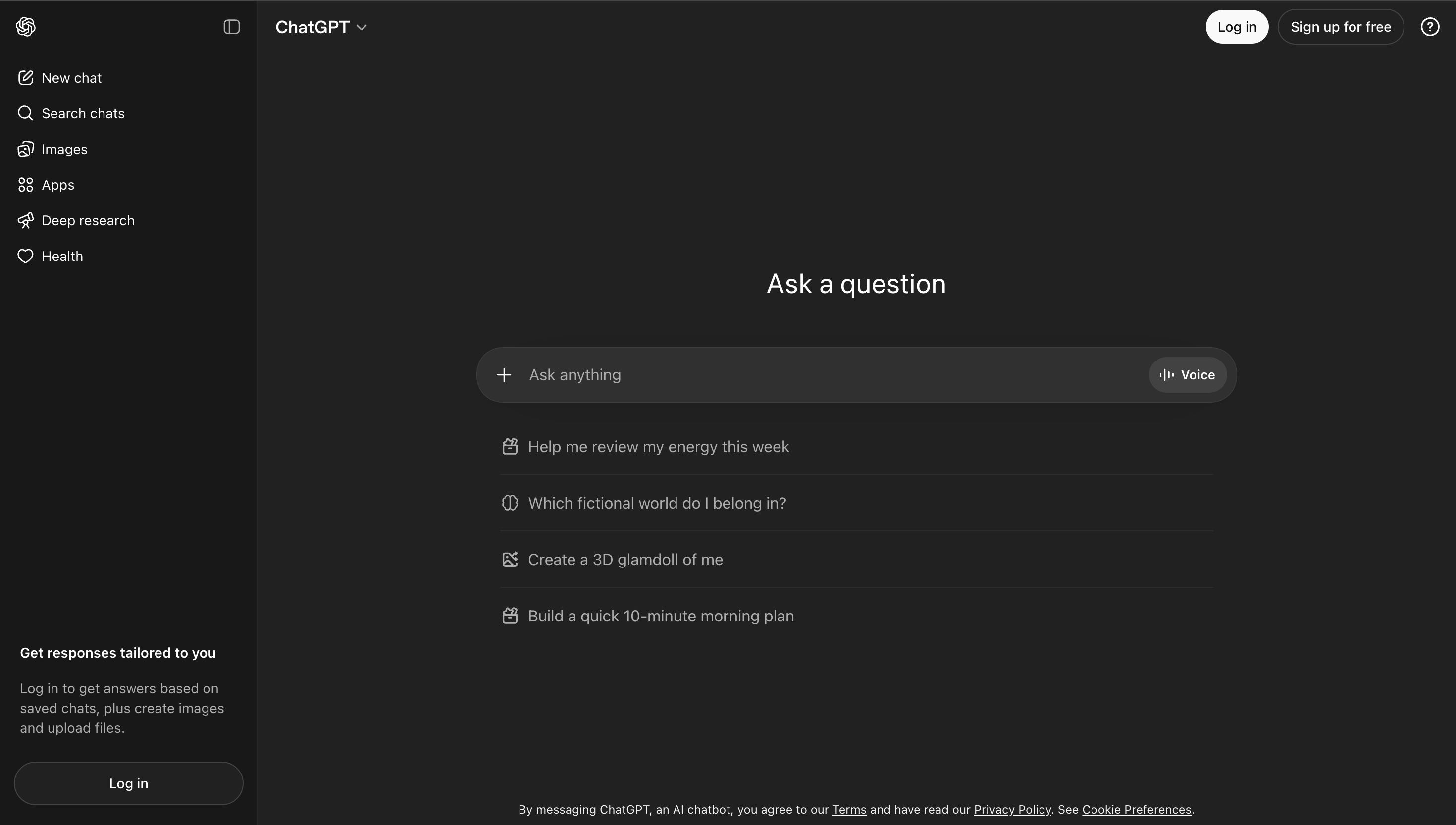
Website: https://chat.openai.com
ChatGPT is widely used and very flexible.
It works well for:
- Explaining concepts
- Summarizing content
- Answering questions
- Generating examples
However, it is still prompt-driven. You need to guide it step by step, and the learning experience depends on how you interact with it.
Notion AI
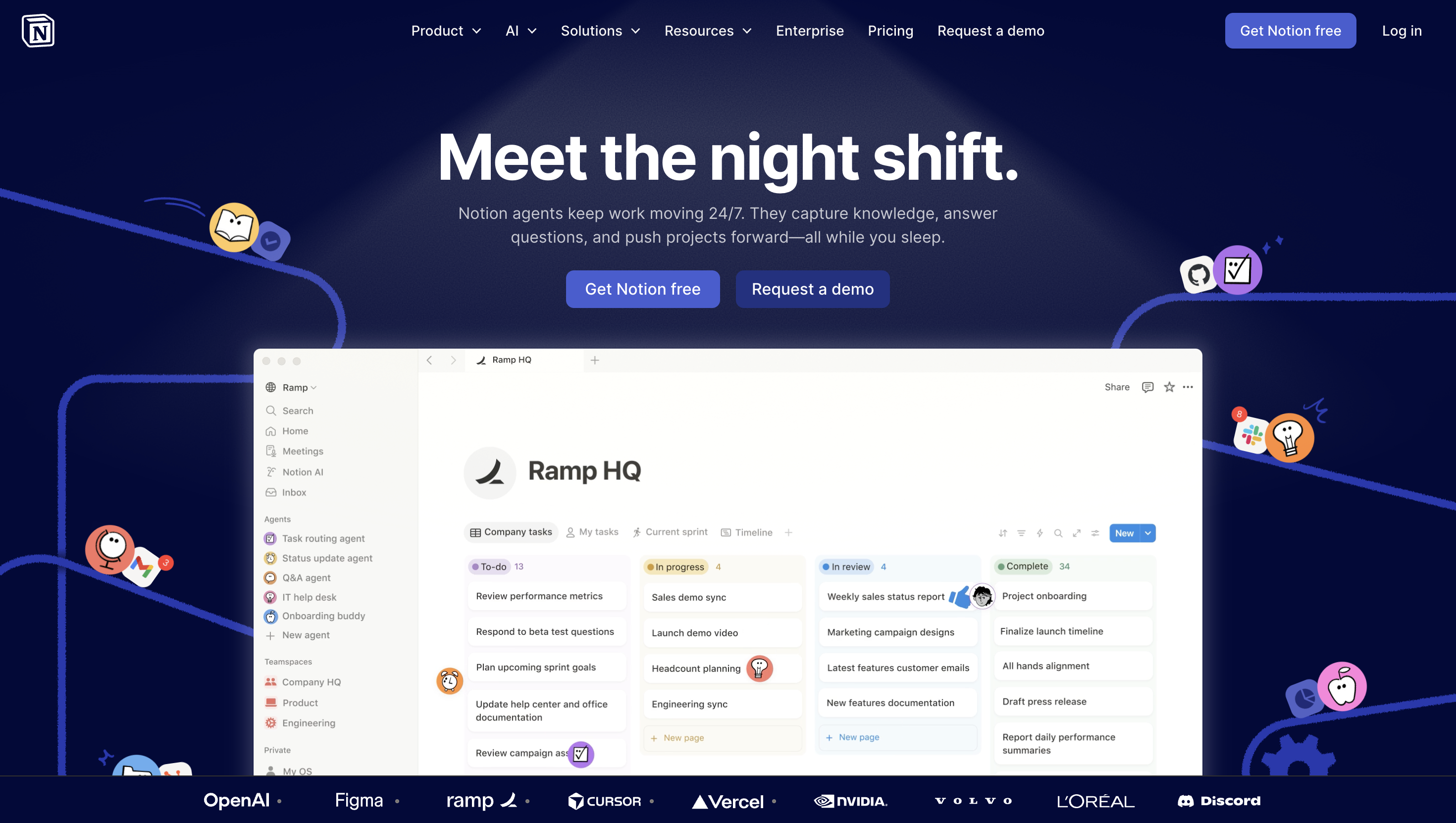
Website: https://notion.so
Notion AI is useful for organizing your study system.
Students use it to:
- Structure notes
- Summarize content
- Plan study schedules
- Manage information
It helps with workflow, but it is not designed for deep conceptual understanding.
Quizlet AI
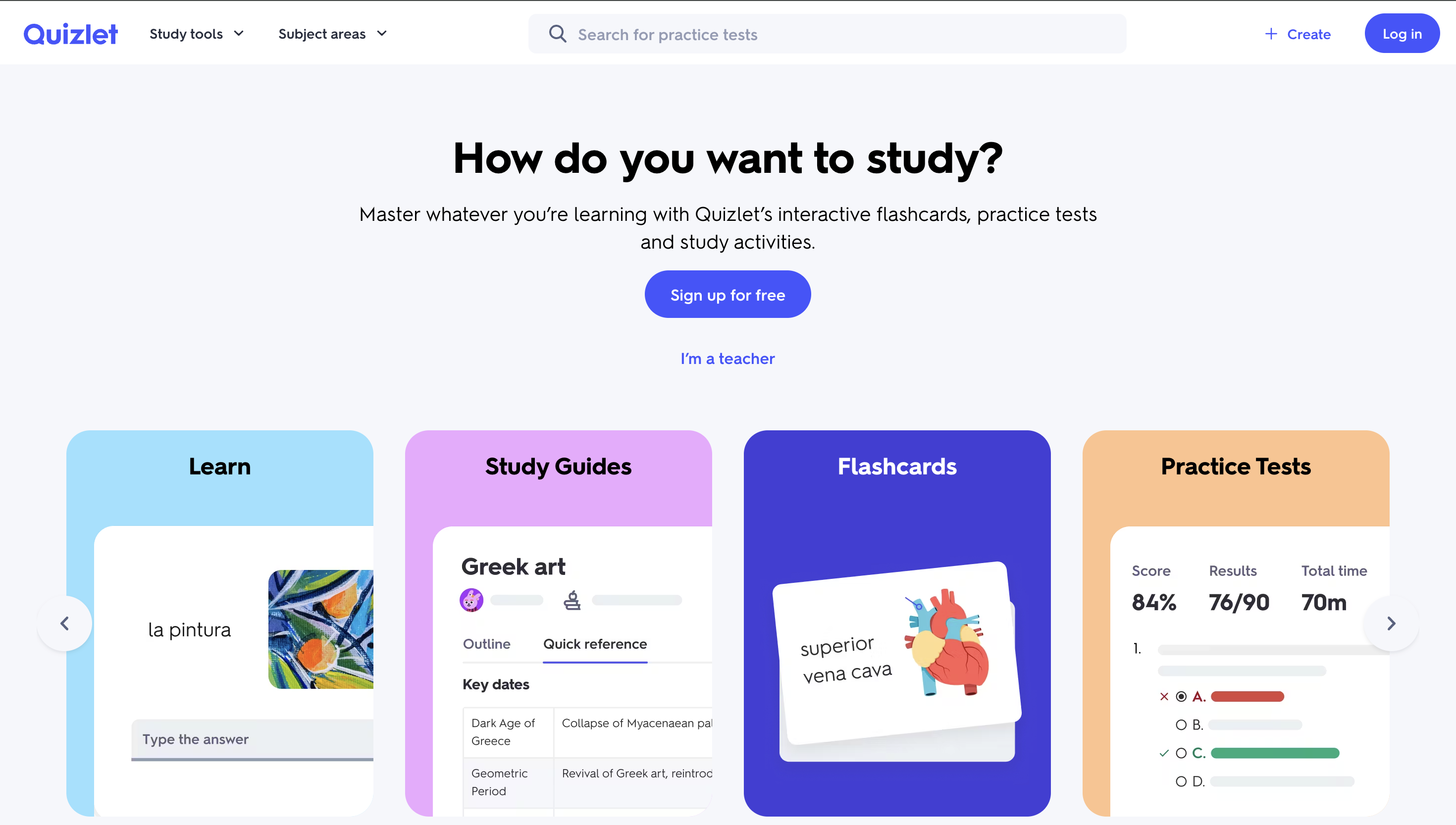
Website: https://quizlet.com
Quizlet focuses on reinforcement.
It helps with:
- Flashcards
- Practice quizzes
- Review cycles
- Exam preparation
It is strong for memorization and recall, especially closer to exams.
Tips for Studying Smarter With AI
AI can amplify your studying, but only if you use it actively.
Do not settle for the first explanation. Push deeper until the concept is clear.
Use AI to focus on weak areas rather than what you already know.
Combine AI with traditional materials. Structure still matters. For a deeper look at building a complete study system, see how to use AI for studying.
And most importantly, do not use AI to avoid thinking. Use it to improve how you think.
Final Thoughts
Effective studying is not about doing more, it is about doing the right things.
AI gives students a new way to interact with knowledge: one that is faster, clearer, and more adaptive.
But the real advantage is not speed.
It is understanding.
The students who benefit the most from AI are the ones who use it to think better, not just finish faster.
Frequently Asked Questions
Follow a simple loop: understand concepts, generate notes, test yourself, and revisit weak areas. This keeps your studying active and structured.
While many tools can help, Luminary stands out as the most advanced and effective option for deep understanding and interactive learning.
AI is not a replacement, but it makes studying far more efficient and interactive when used alongside traditional methods.
Yes. By helping you understand concepts and test yourself continuously, AI strengthens memory and long-term retention.
Use AI to understand concepts, but always make sure you can explain them on your own. The goal is learning, not shortcuts.
LuminaryThere’s always more to discover.
Start with anything. Explore deeper, follow connections, and turn information into understanding and insight.
Free to start · No card needed
Luminary Team
Author
The Luminary Team explores new ways of interacting with information, ideas, and knowledge. Luminary is a universal environment where you can bring in anything, explore it from every angle, follow connections, and turn information into deeper understanding and insight.
LuminaryStart with anything. Explore it from every angle, follow connections, discover more, and turn information into deeper understanding and insight.
- Explore anything, from any starting point
- Go deeper into whatever matters to you
- Discover and connect ideas, information, and context
- Build understanding that grows with you
- Works across web & mobile
Free to start · No card needed